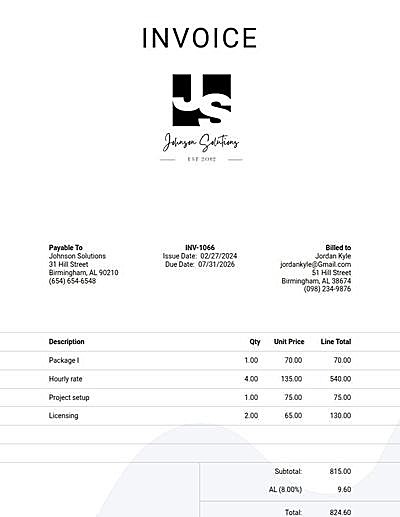
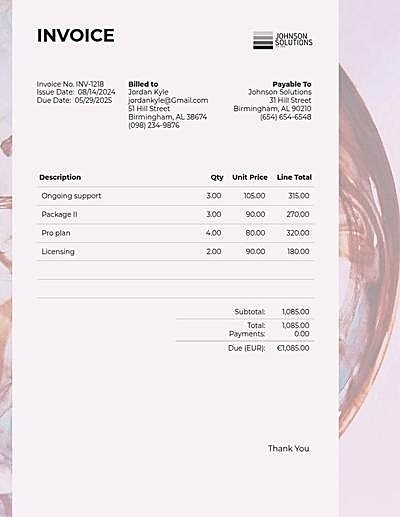
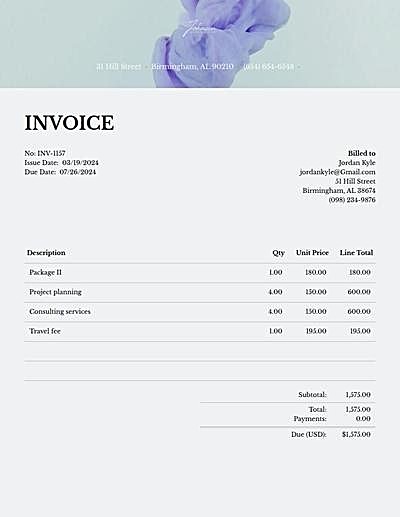
01
Create your invoice
Add your standard line items, taxes, due dates, etc.

Pick a template, add your line items, then download a free PDF or email it straight to your client.
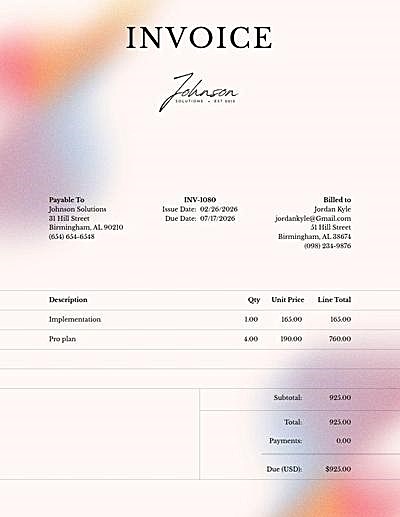 Sample Invoice Templates
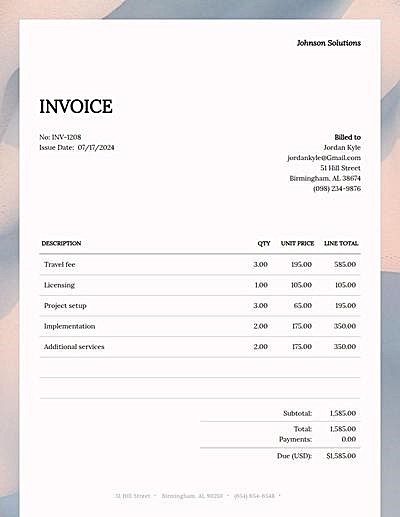 Word Invoice Templates
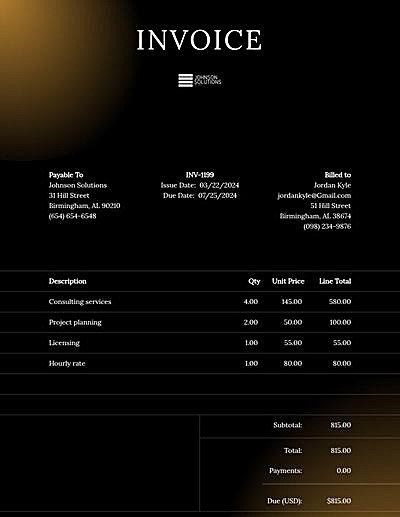 Sample Invoice Templates
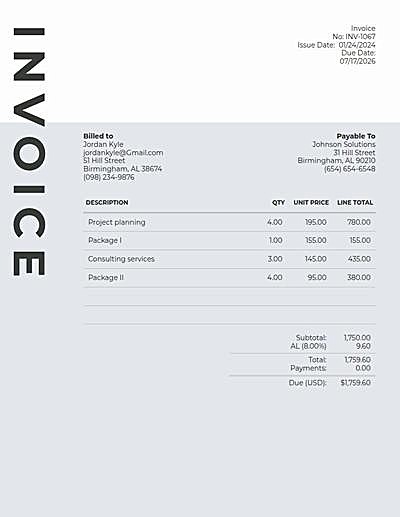 Auto Repair Invoice Templates
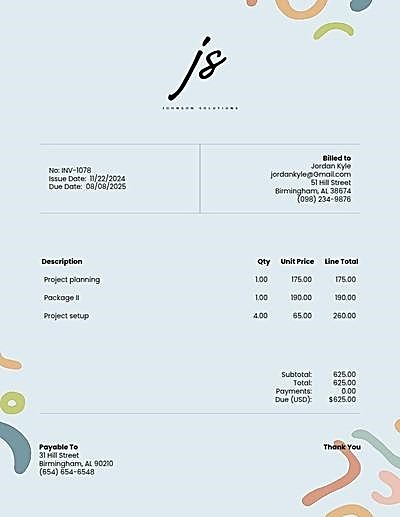 Paid Invoice Templates
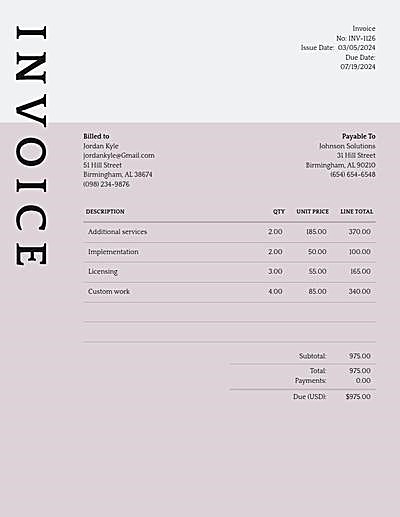 Consulting Invoice Templates
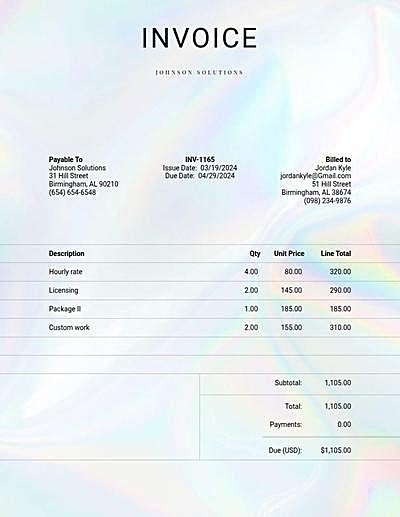 Graphic Design Invoice Templates
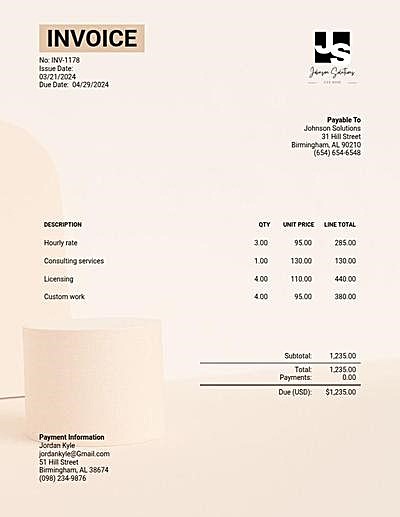 Medical Records Invoice Templates
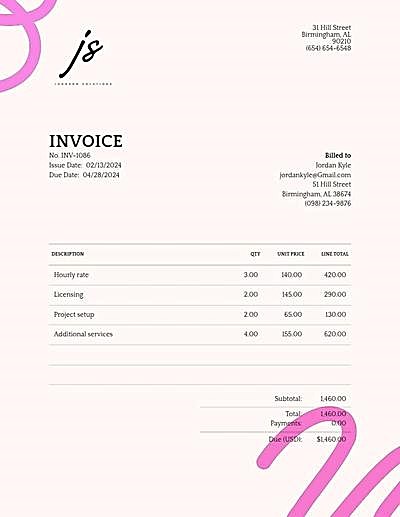 Graphic Design Invoice Templates
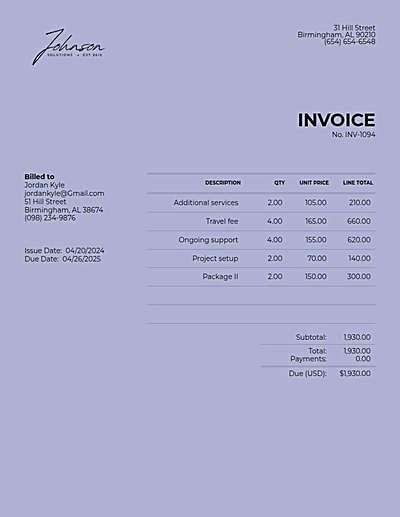 Medical Records Invoice Templates
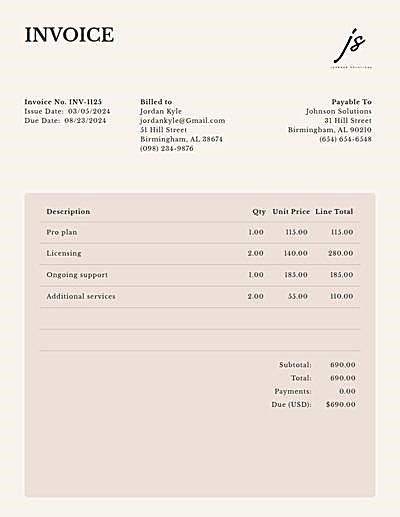 Consulting Invoice Templates
Add your standard line items, taxes, due dates, etc.
You've built the perfect invoice, now send it off to your client. Get notified when your client views their invoice.
Choose from several payment options. Get paid instantly through Stripe or PayPal or give your client alternative payment instructions.
Ready to send your first invoice?
Create a free accountOur invoices are designed to work at home or on the go. Create and send invoices from your phone. The client experience is just as mobile friendly too — payments are easily made from a computer, laptop, tablet or phone.
Try the invoice generator
Let's be honest, image matters. Communicate the value of your products and services by sending an invoice built with custom font pairings, coordinated color palettes, pre-set layouts and more.
Try the invoice generator
Make it easy for clients to submit payment by accepting convenient payment options. Configure your account to access payment by credit card, PayPal, Venmo, CashApp, Zelle and more.
Create a free account
Reach out with any other questions at [email protected]
Keep all your invoices in one place. Collect online payments. We offer the most customization options for your brand and your business.
You can create and download as many invoices for free as you want. Only sign up for an account when you are ready.
Create a free Invoice Candy account to email invoices to your clients. You will be able to monitor the status of your sent invoices all the way up to payment. The free plan emails 1 document a month (invoices, estimates and receipts count together); paid plans email more.
All invoices can be downloaded for free as PDFs.
Create an invoice from one of our templates, add your own products or services to the line items. Include any prior payments and taxes if needed. Add the name and email of your recipient and then download or send the invoice to them directly.
Invoice Candy supports 13 languages and 18 currencies. If there is a language or currency you need, reach out to [email protected] and we will see if it's possible to add.
You can include one or multiple tax rates per line item in your invoices.
You have the option to set a discount for a set monetary amount or for a percentage.
Yes. Any Invoice Candy account, including the free plan, can connect Stripe or a business PayPal account so clients can pay your invoices by card.
Yes. Connect your Invoice Candy account to ChatGPT or Claude, then ask it to create, update or send invoices for you in the chat. See how to connect.
Absolutely! While we do not have an app, our invoices can be created and sent via your mobile device.
You have the option to upload multiple logos that best fit with your brand.
Yes. By creating an account with Invoice Candy you can create as many invoices as you like and save your work for later.

