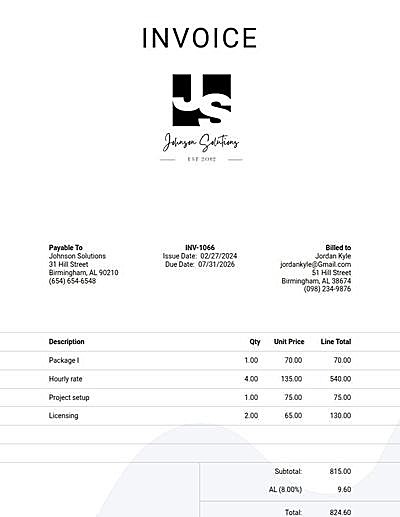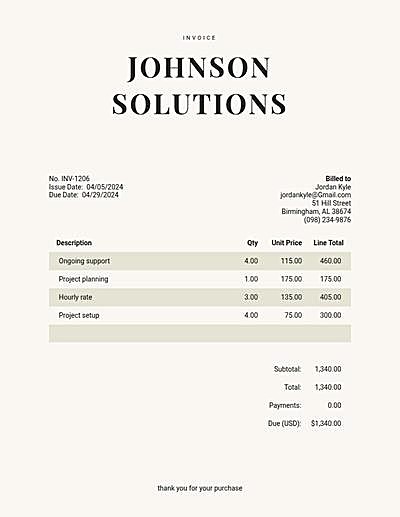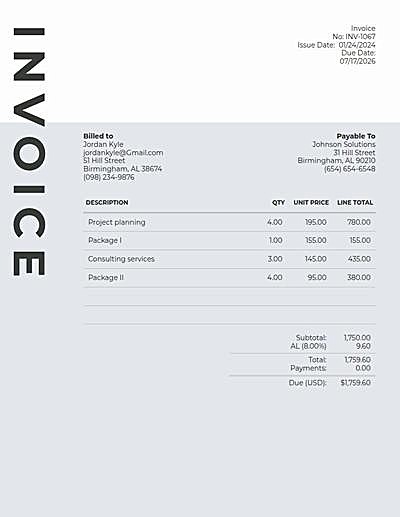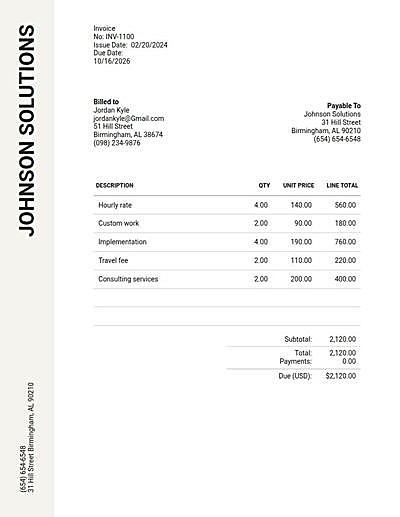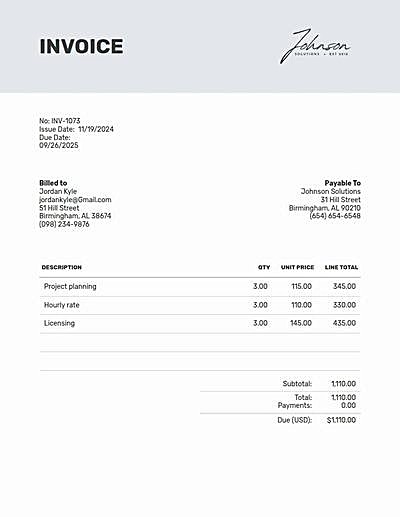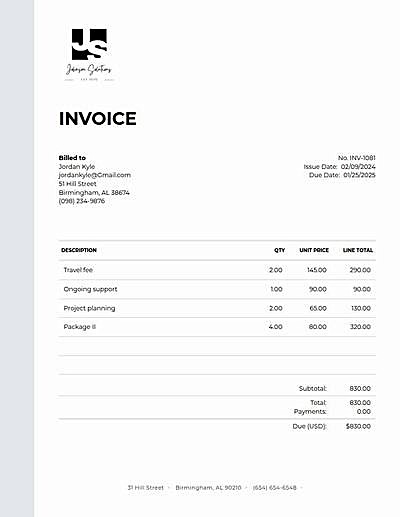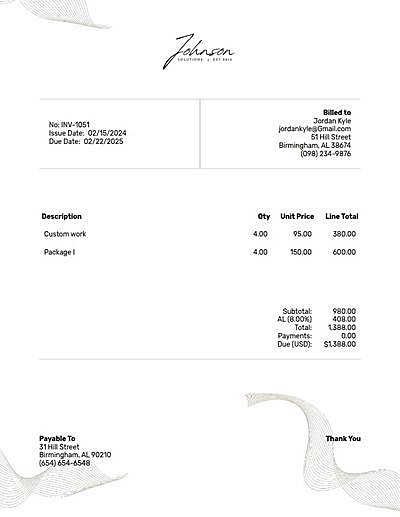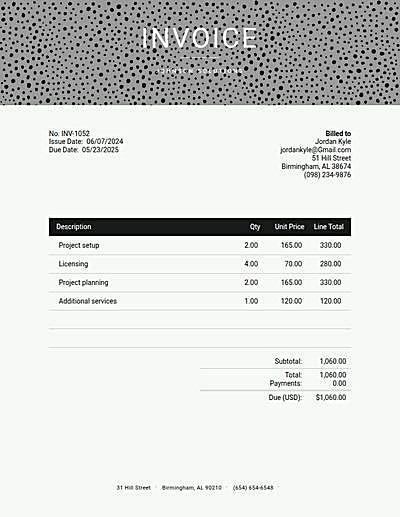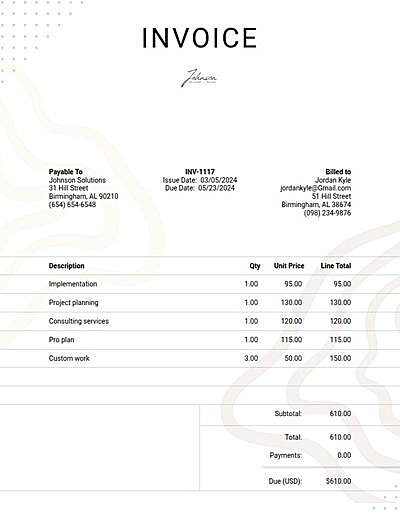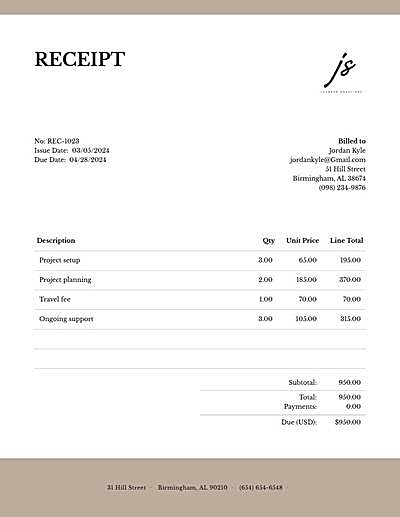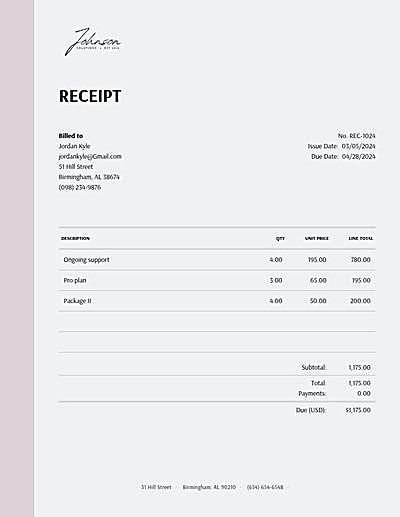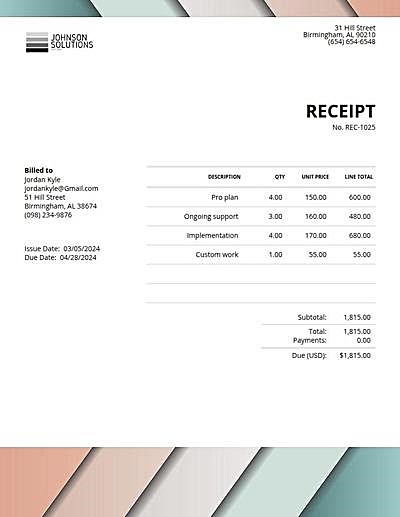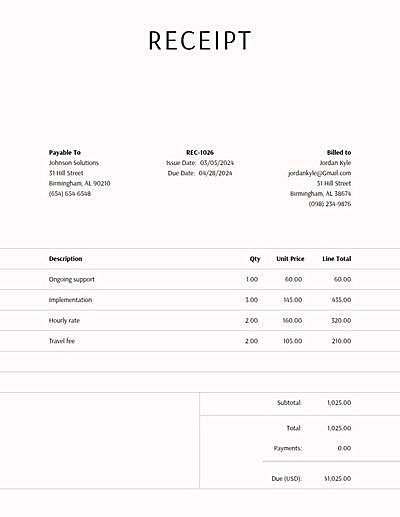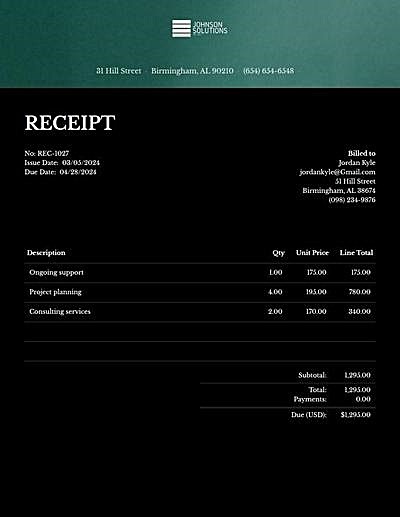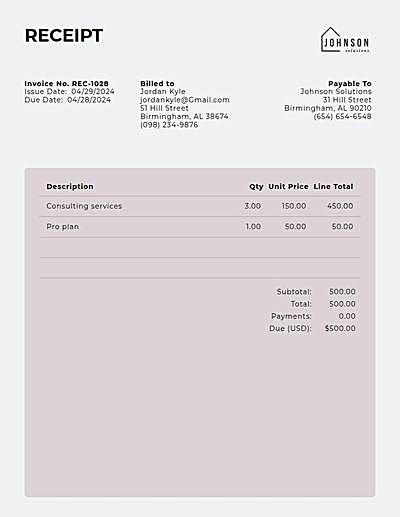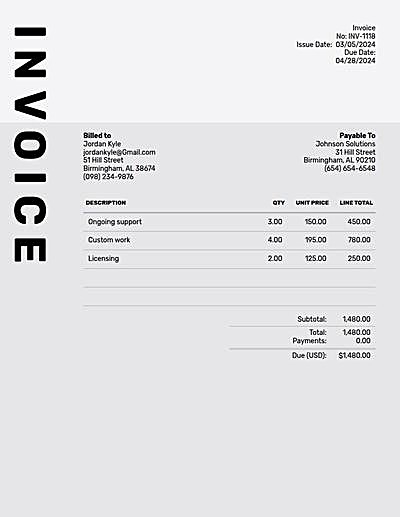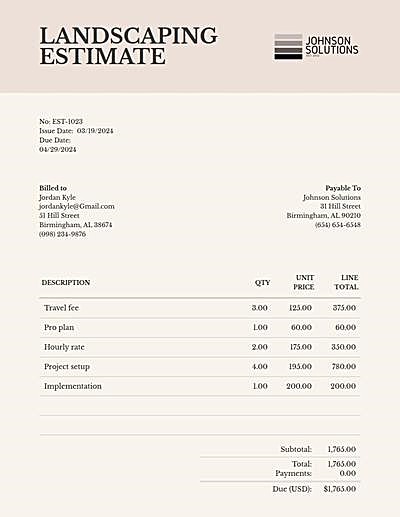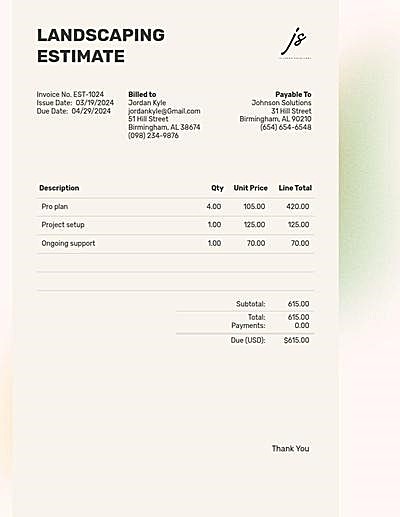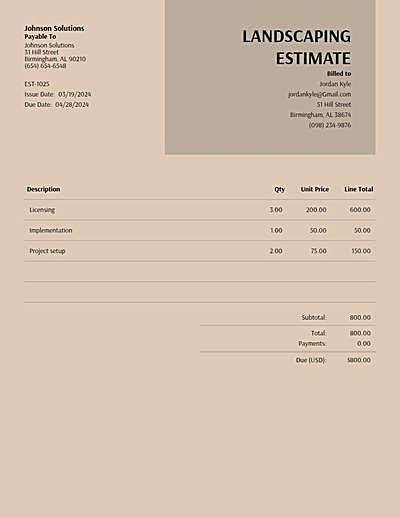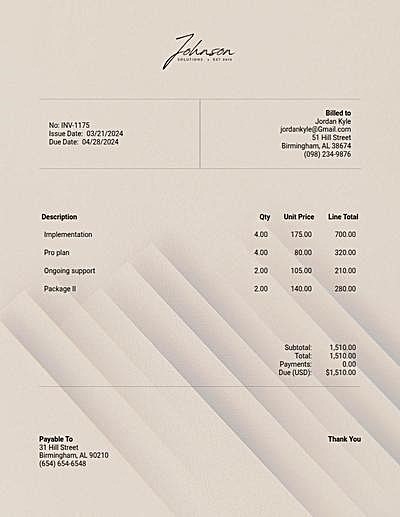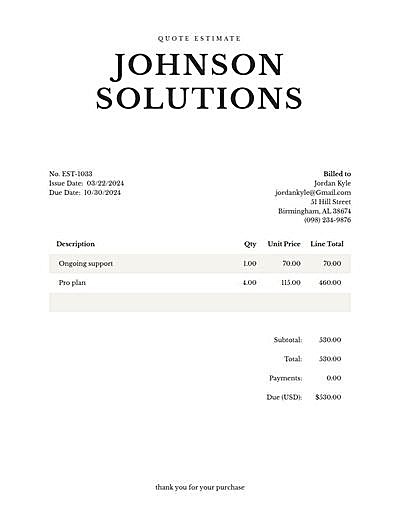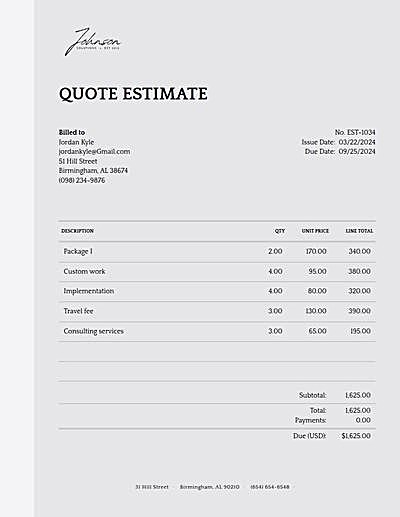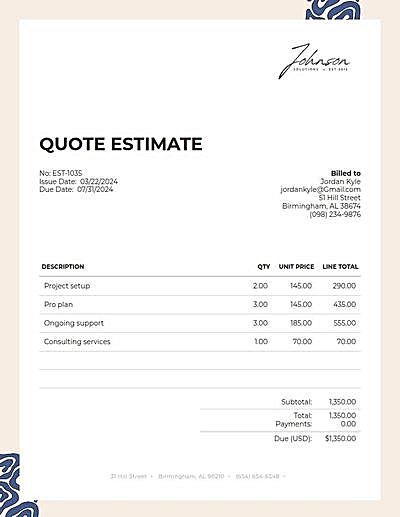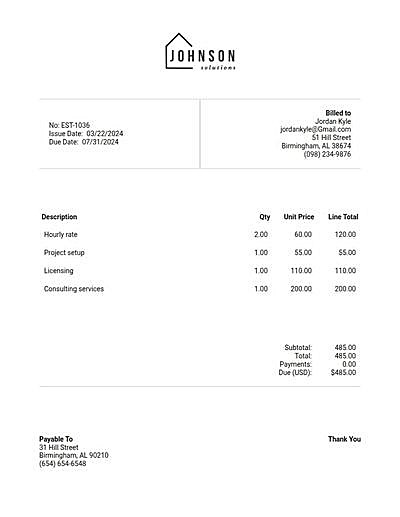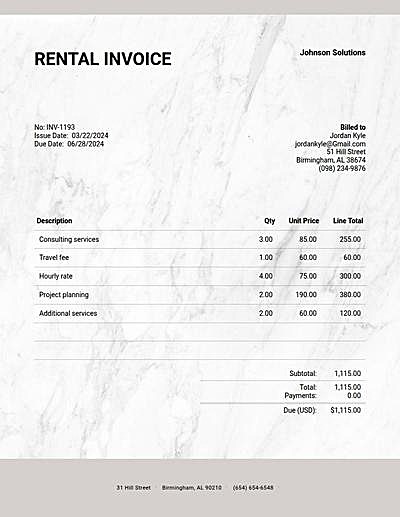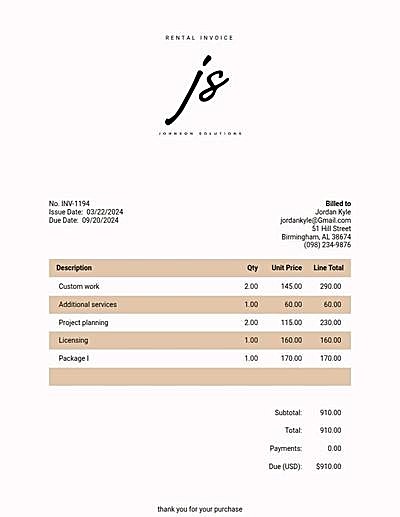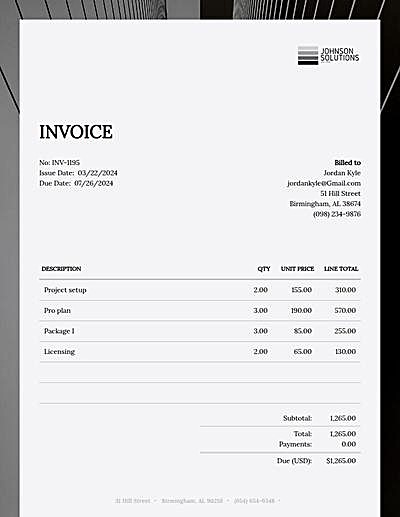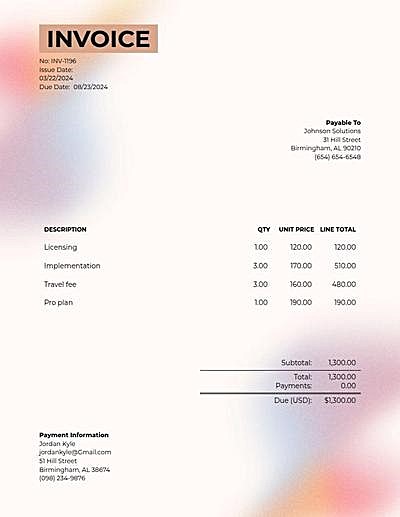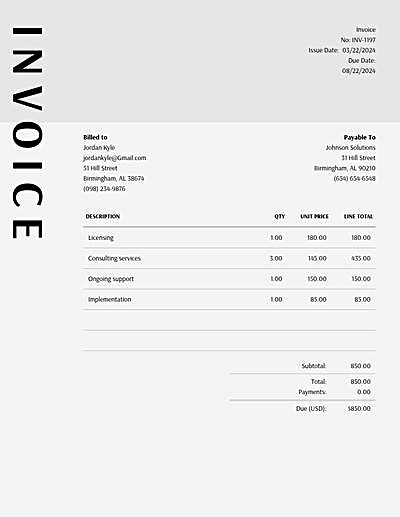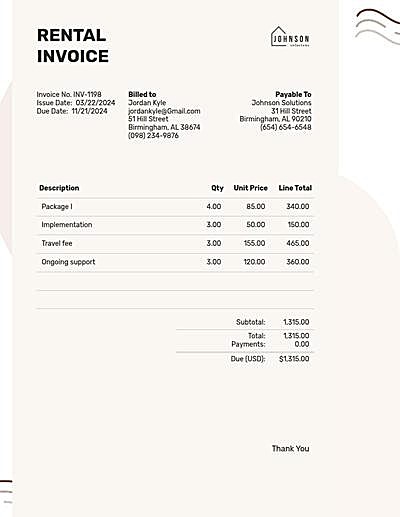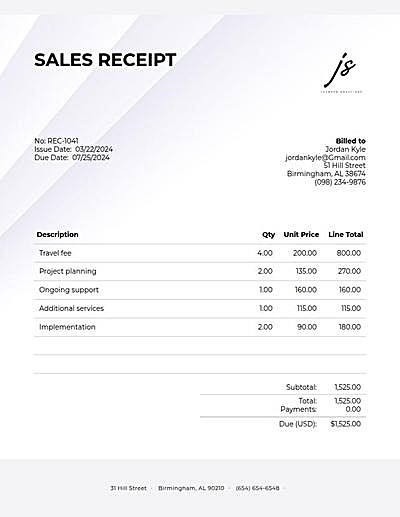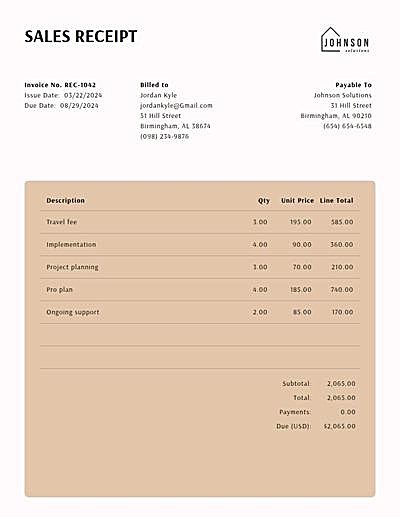
- Invoice Generator
- Pricing
-
Invoice Templates
- Construction Invoice
- Word Invoice
- Sample Invoice
- Consulting Invoice
- Freelance Invoice
- Blank Invoice
- Contractor Invoice
- Excel Invoice
- Graphic Design Invoice
- PDF Invoice
- Printable Invoice
- Rental Invoice
- Auto Repair Invoice
- Car Sales Invoice
- Hourly Rate Invoice
- Medical Records Invoice
- Moving Invoice
- Paid Invoice
Free invoice generator
-
FromBill To
Description Tax Qty Price Total Subtotal: Total: 0 Payments: Due (USD): $ Notes
How it works
-
Add the basics
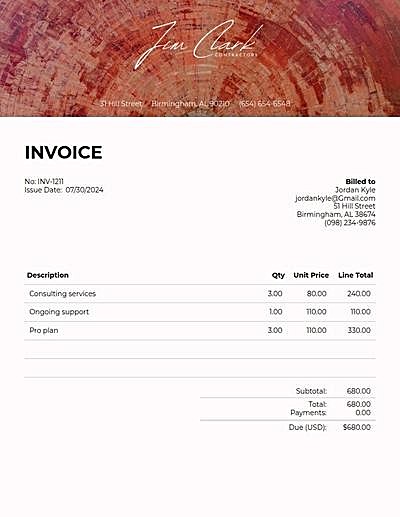
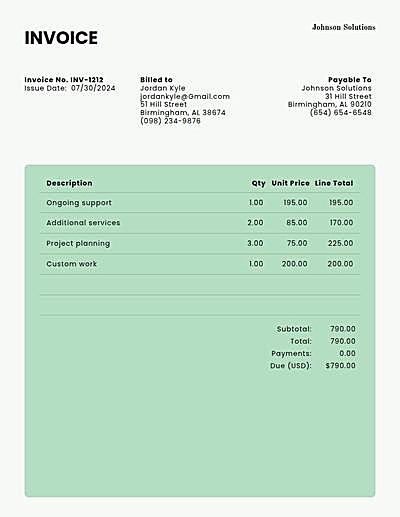
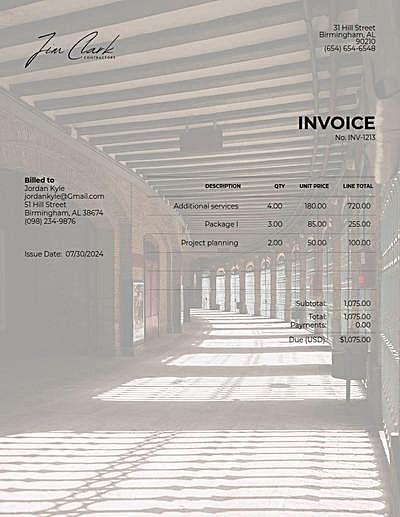
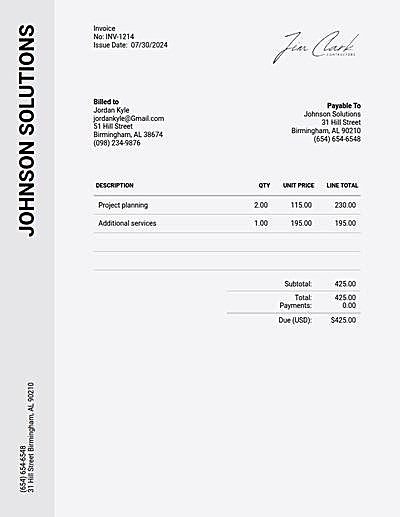
Your business goes in From, your client in Bill to. The invoice number and today's date are filled in for you.
-
List what you're billing
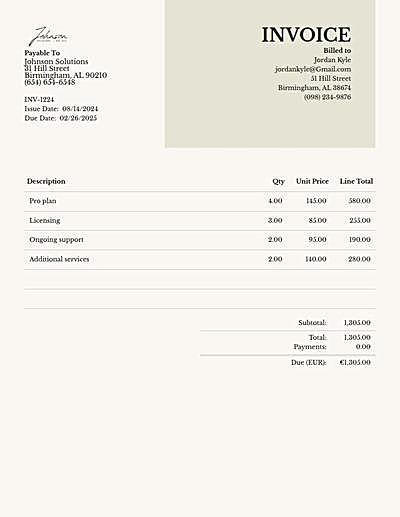
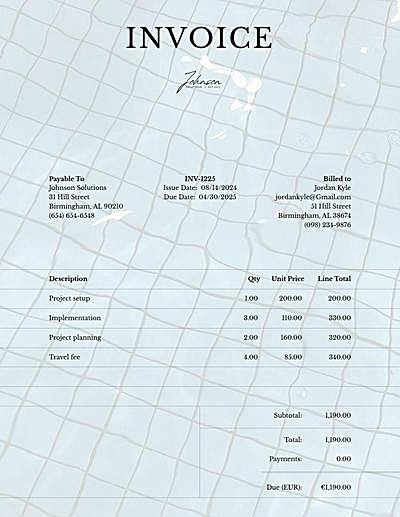
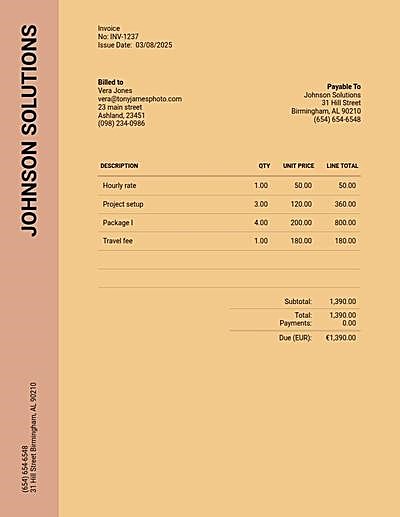
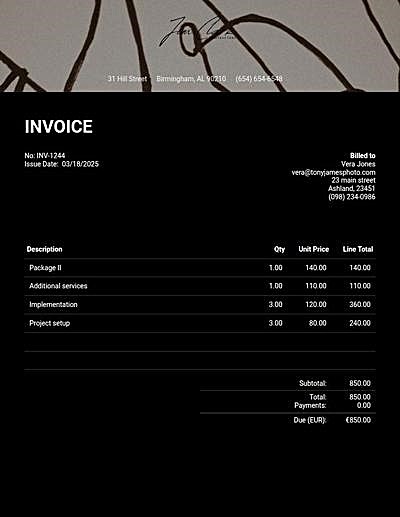
Add a line for each product or service. Totals, tax and discounts update as you type.
-
Make it yours
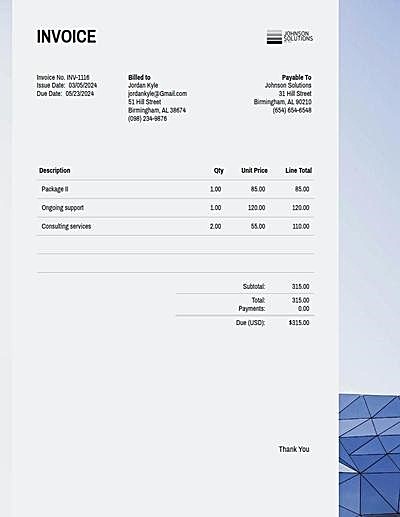
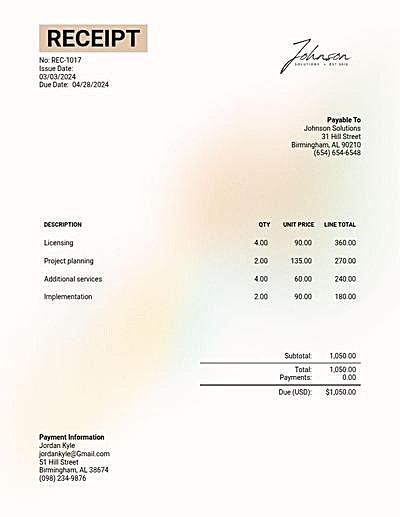
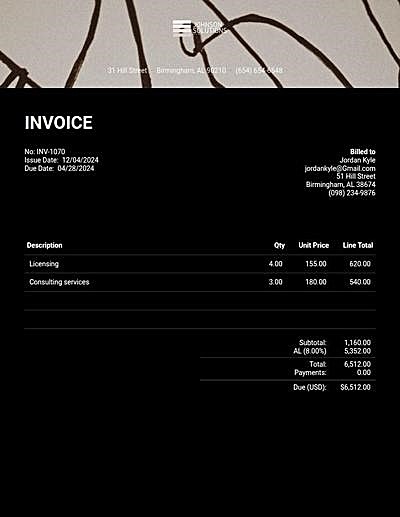
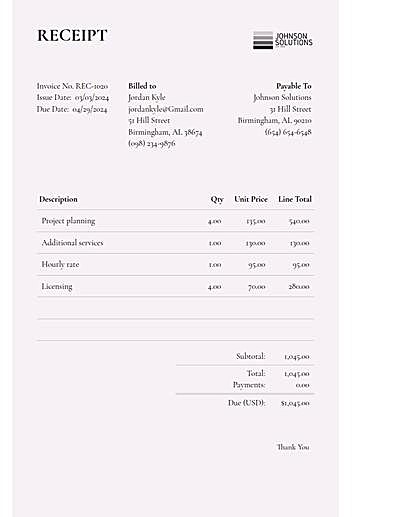
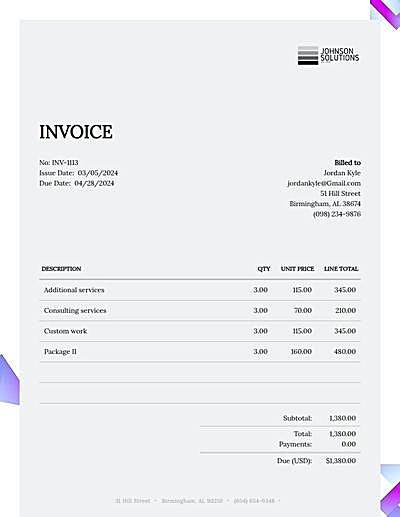
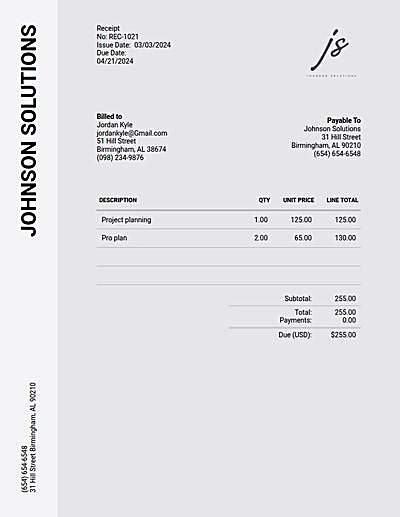
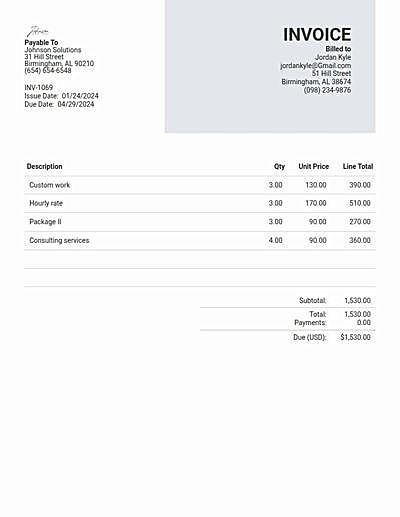
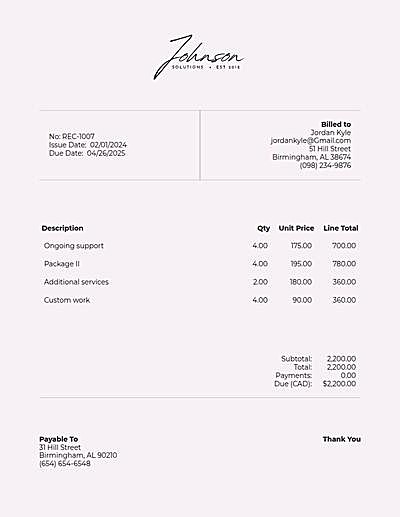
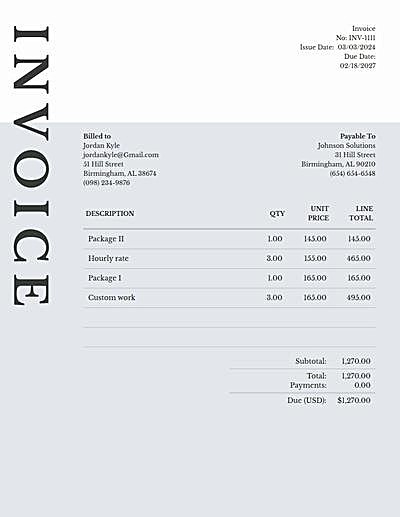
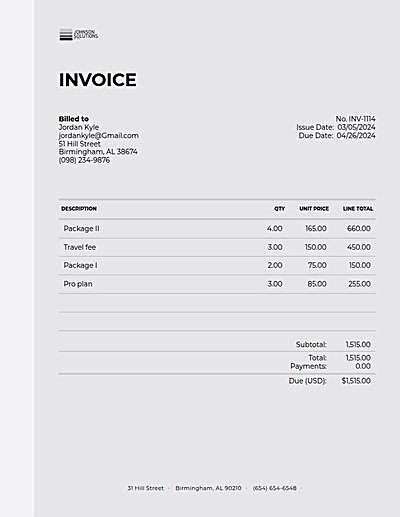
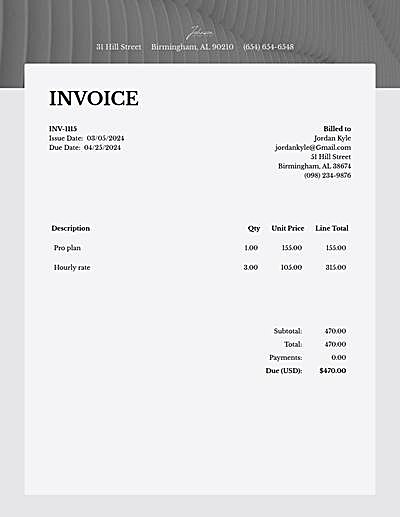
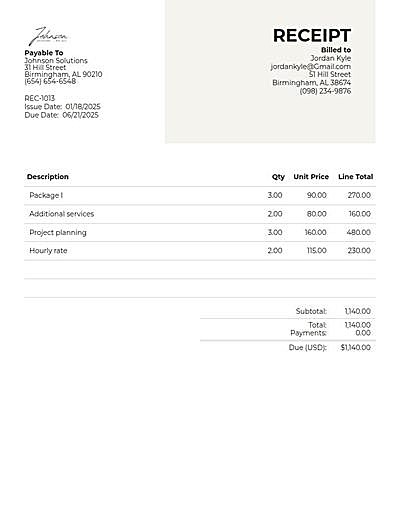
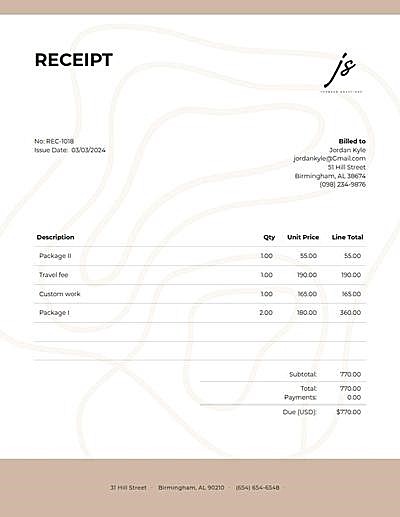
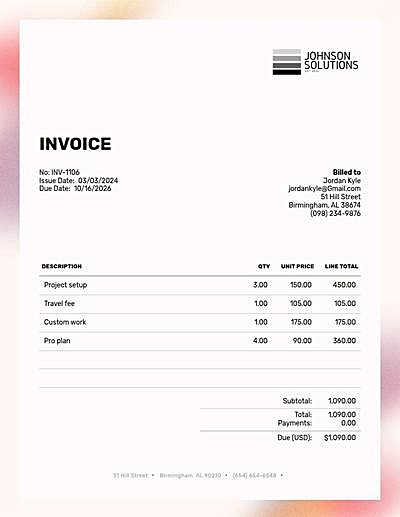
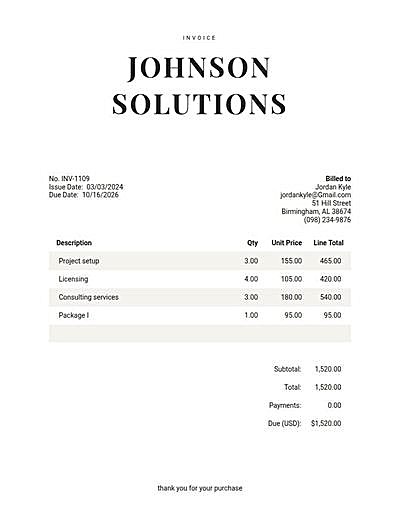
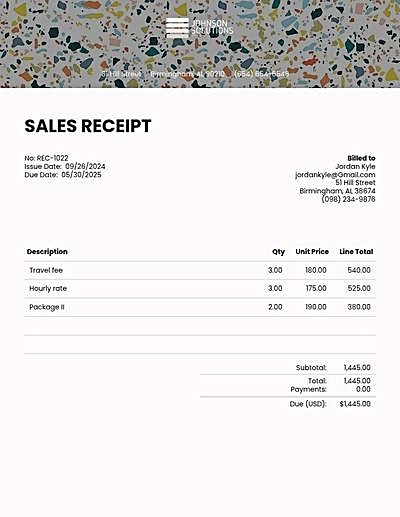
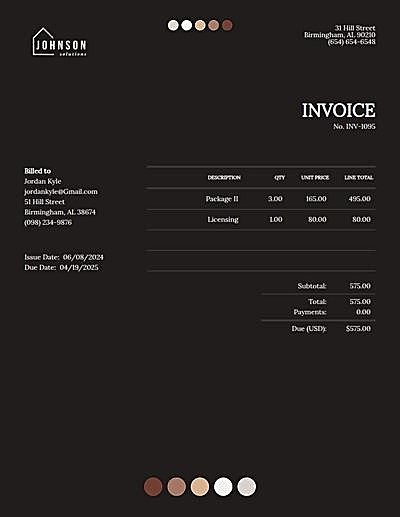
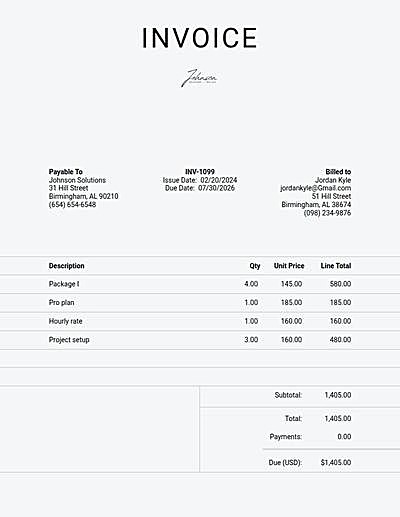
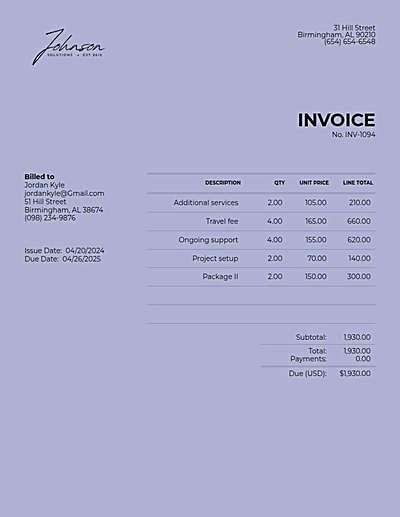
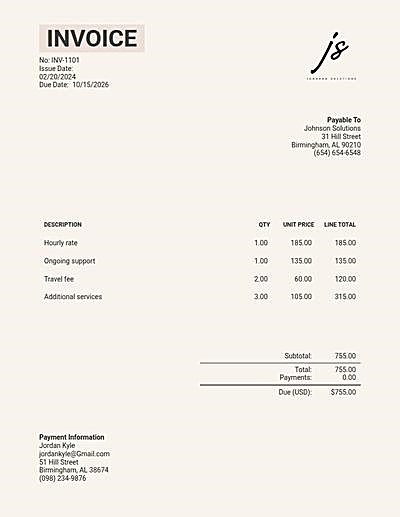
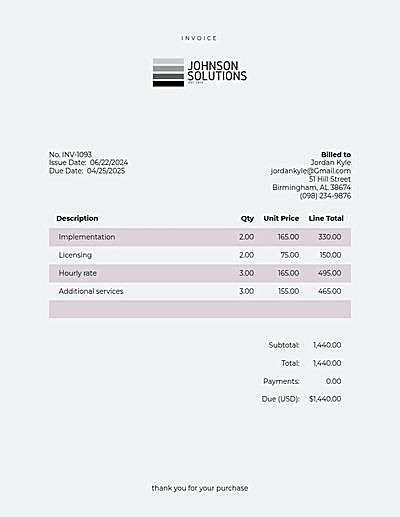
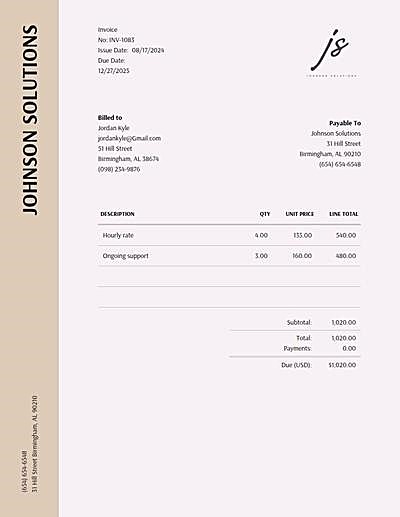
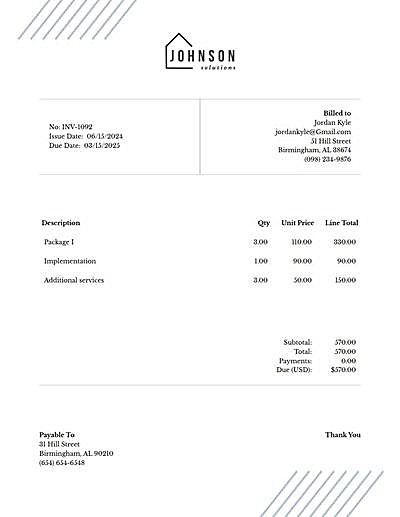
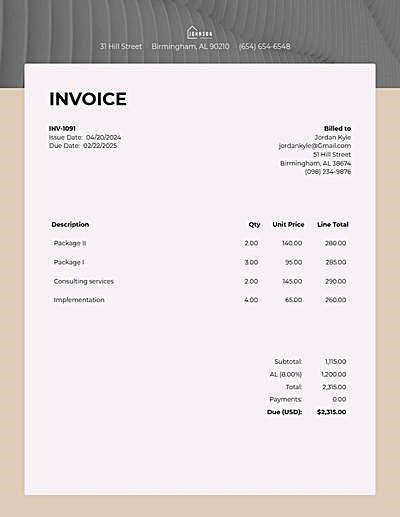
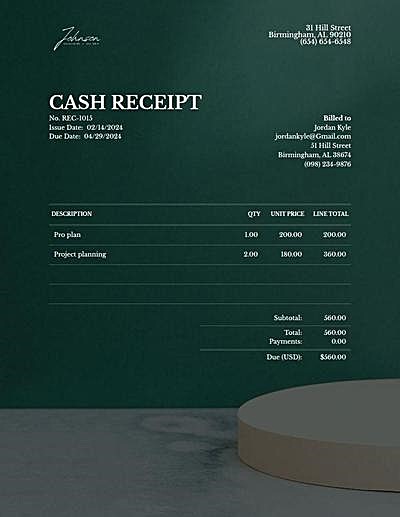
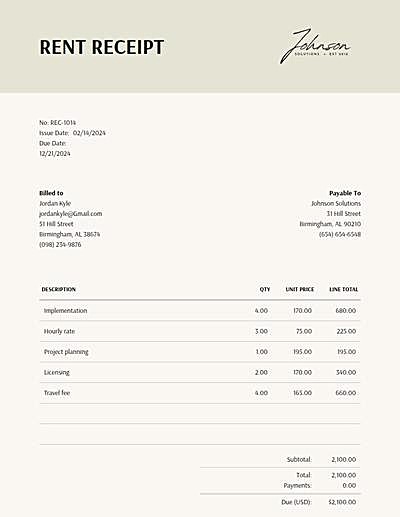
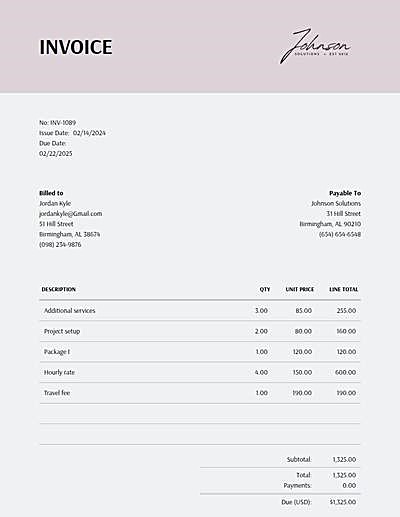
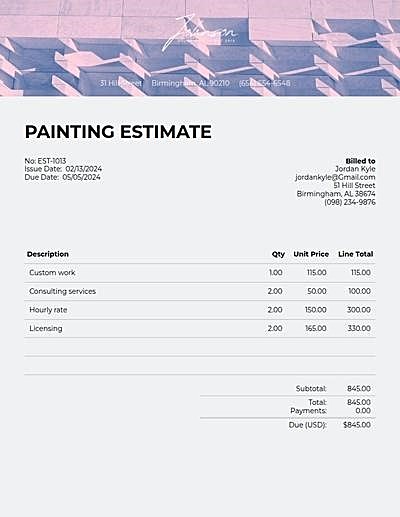
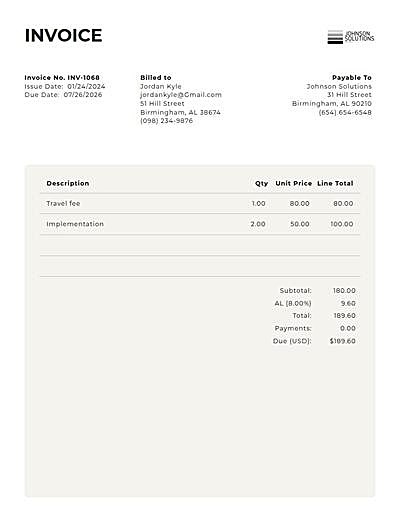
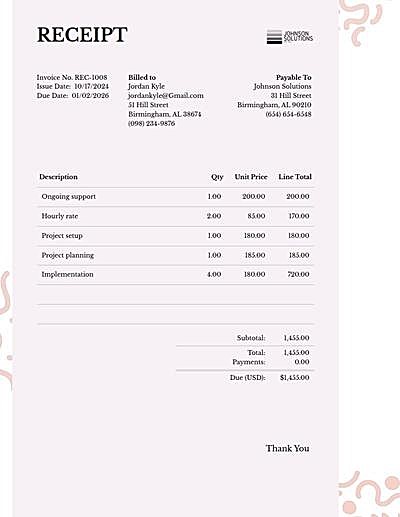
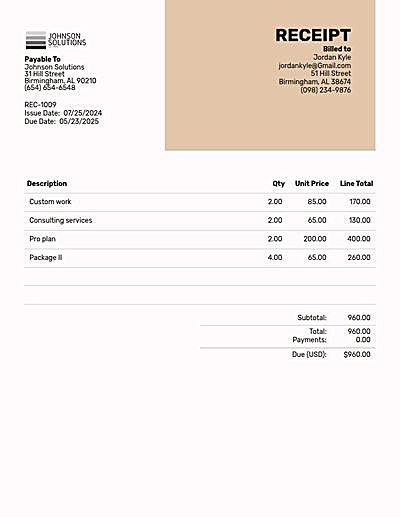
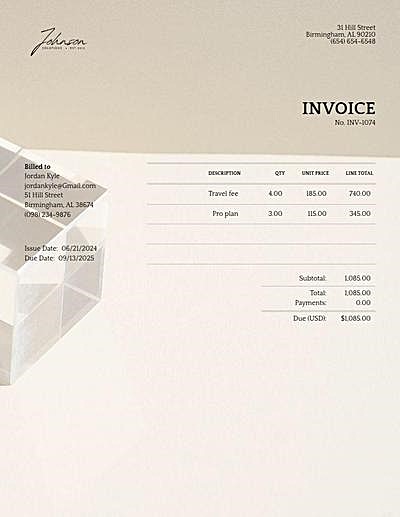
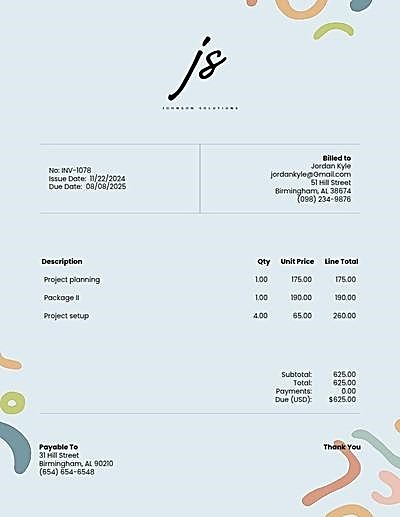
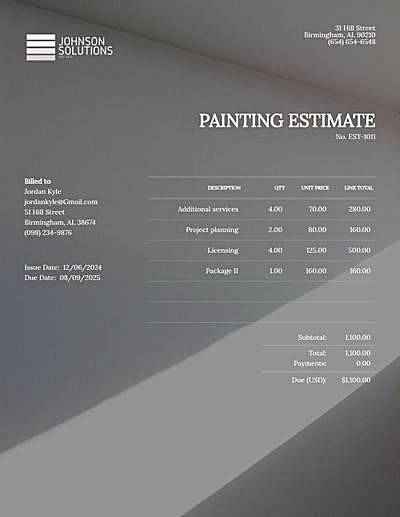
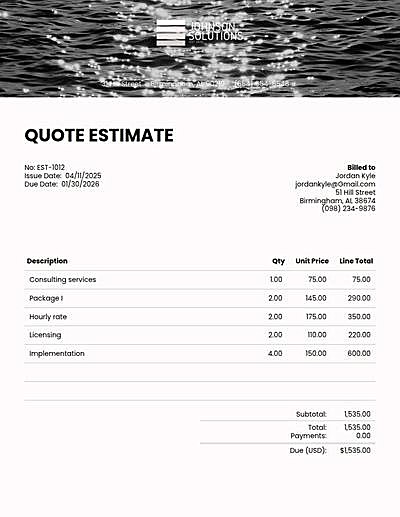
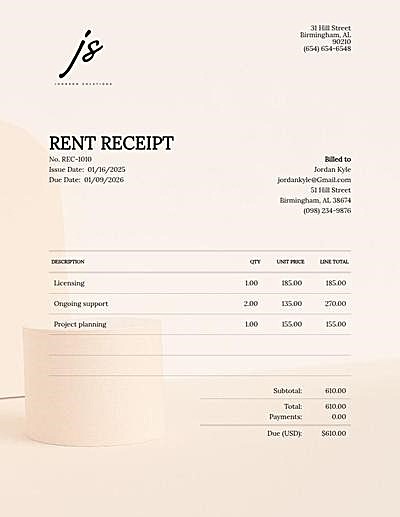
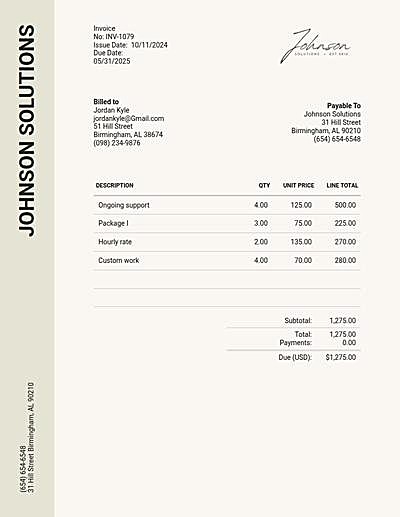
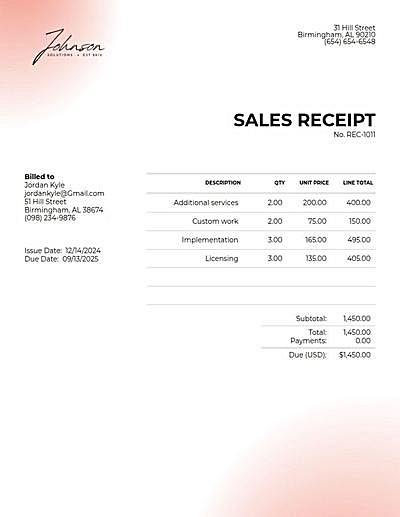
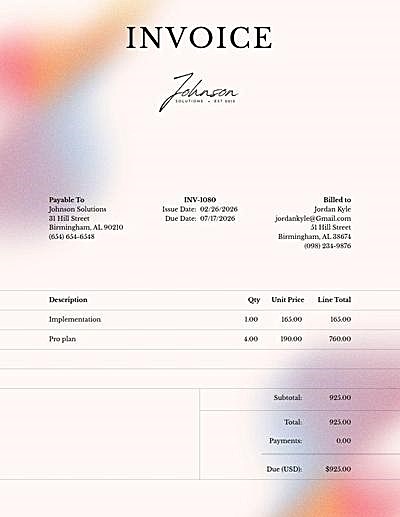
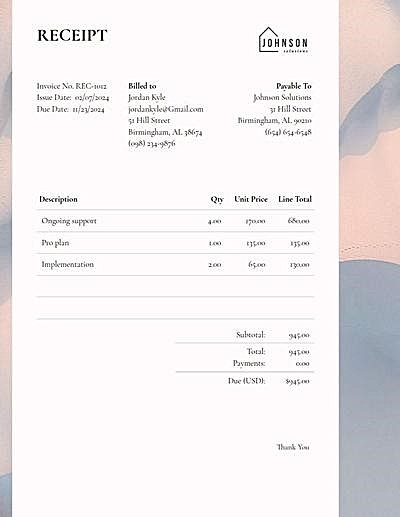
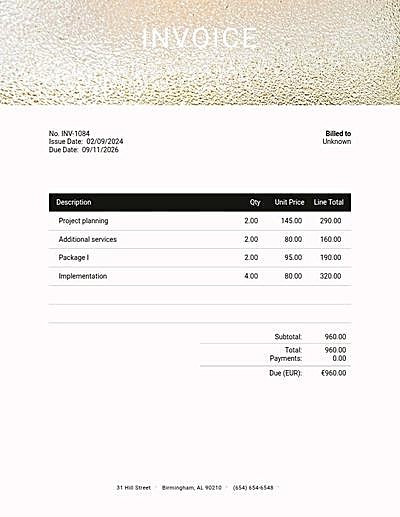
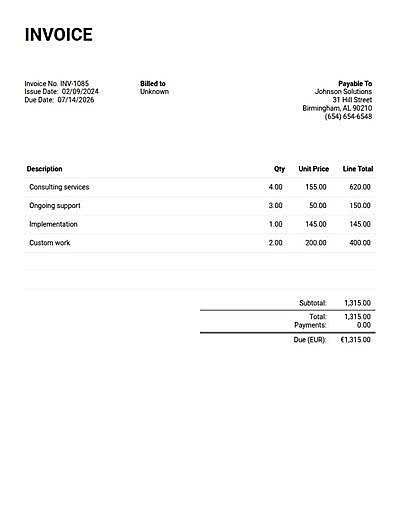
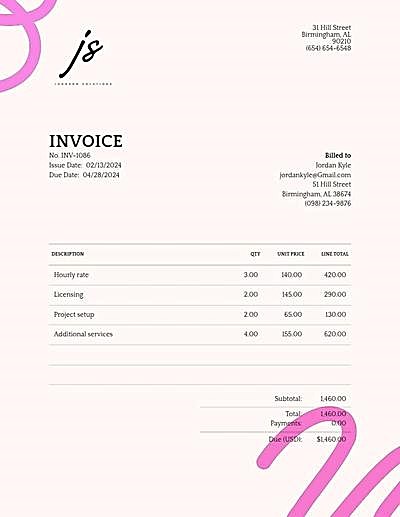
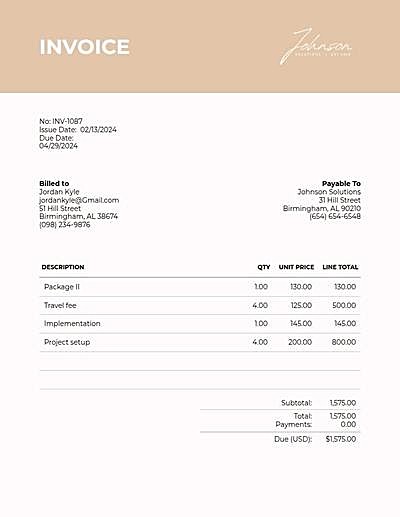
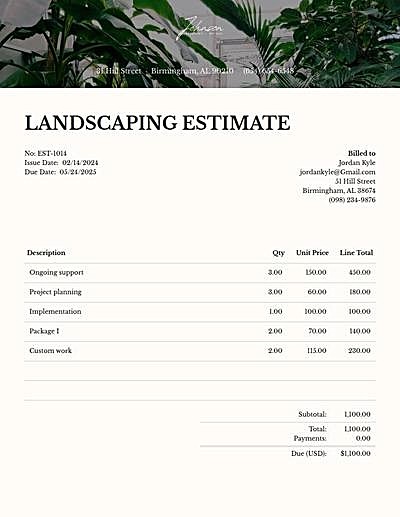
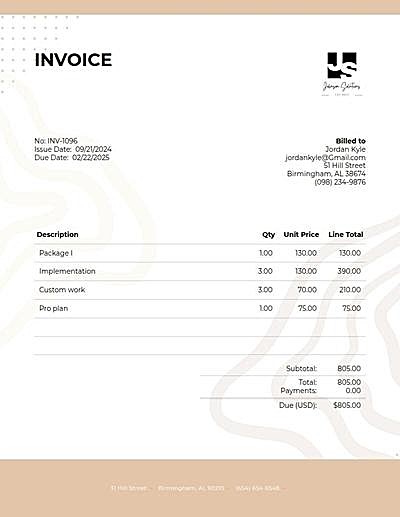
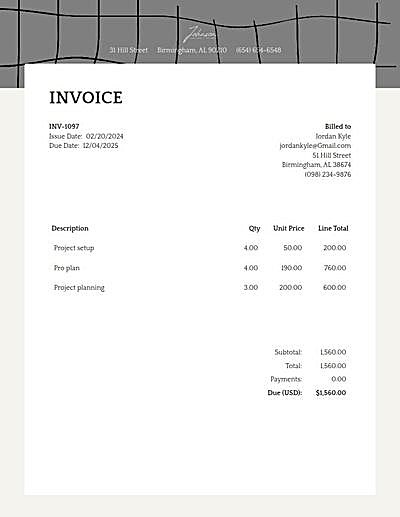
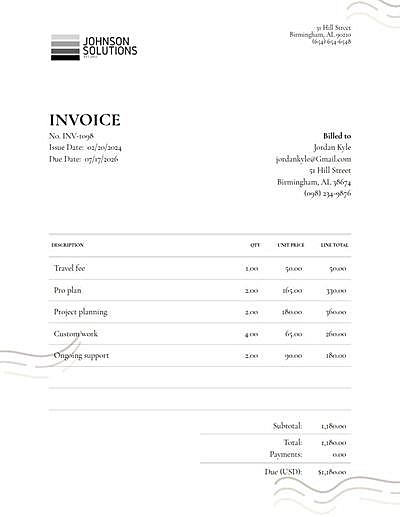
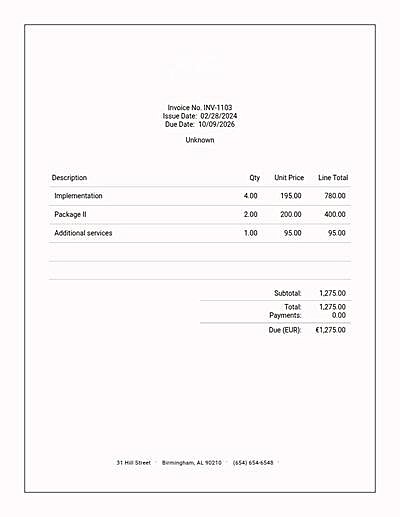
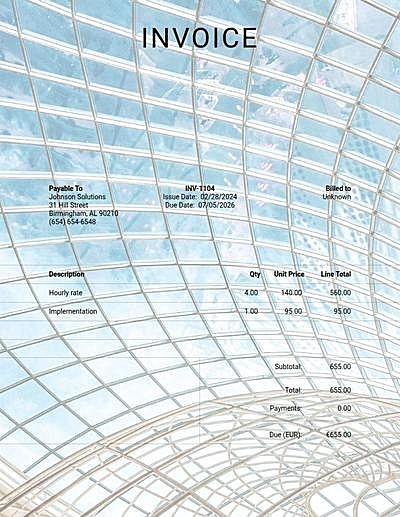
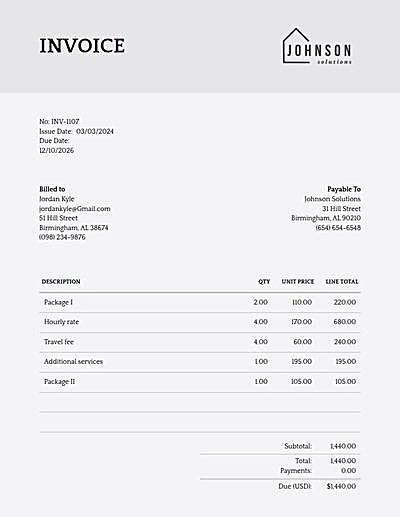
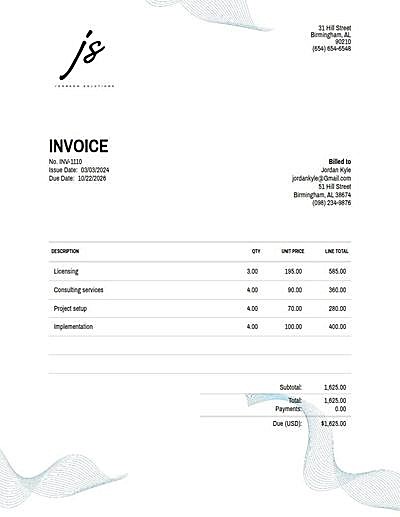
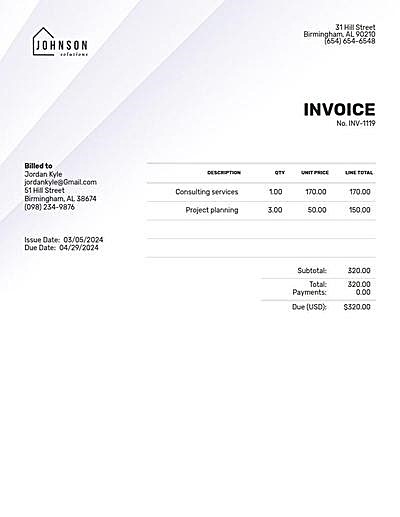
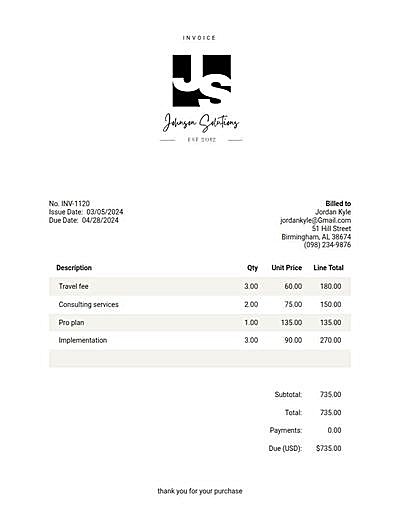
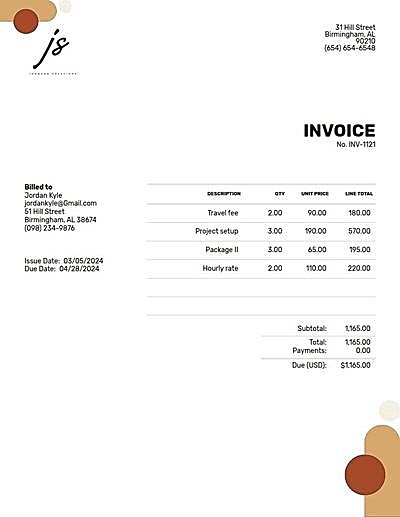
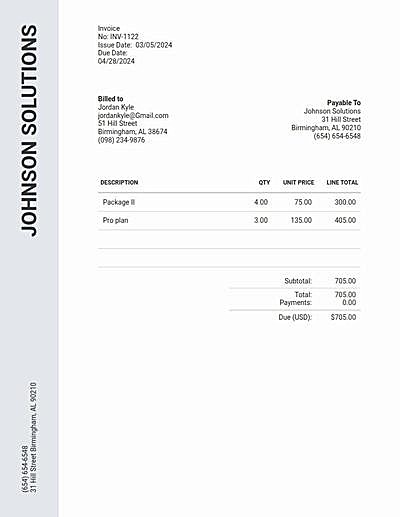
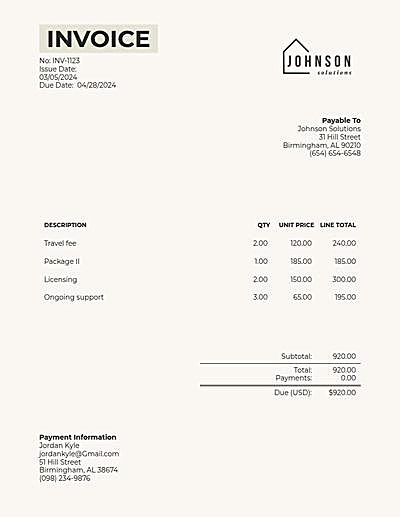
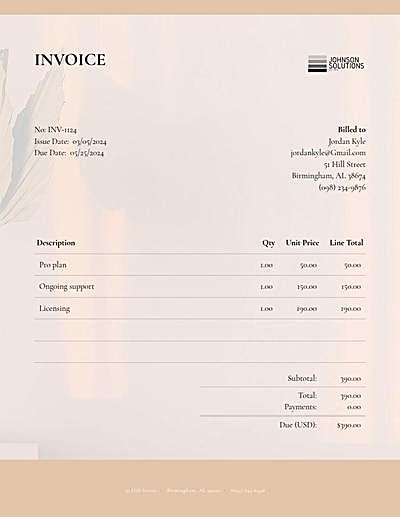
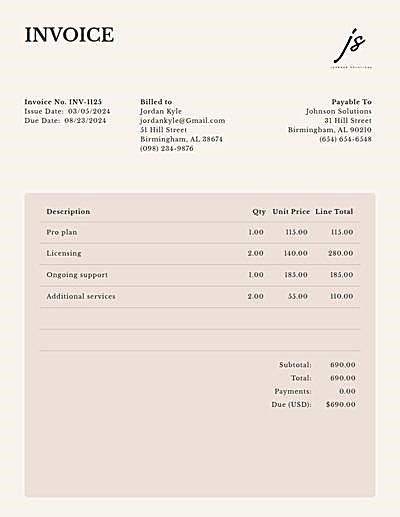
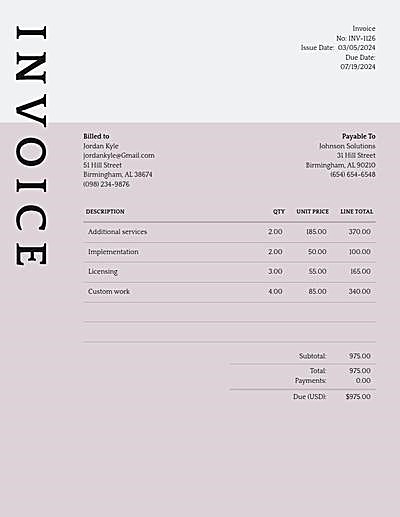
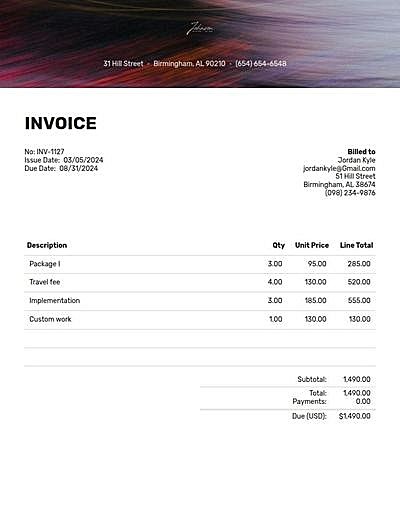
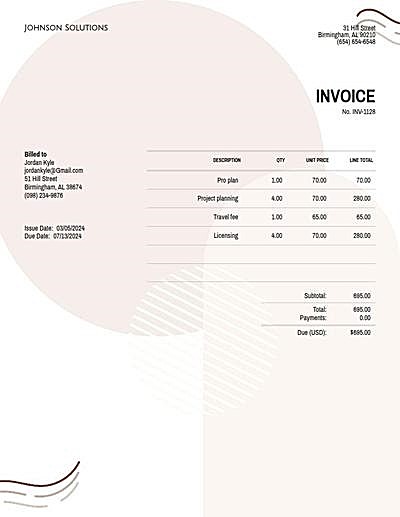
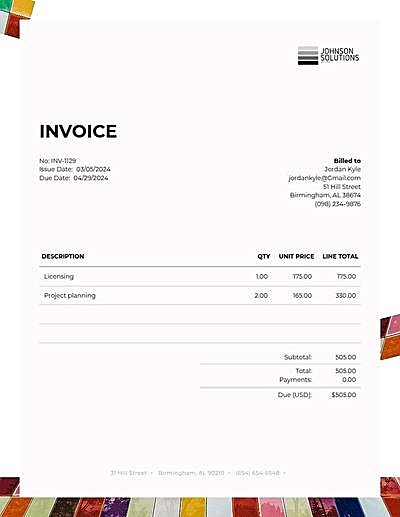
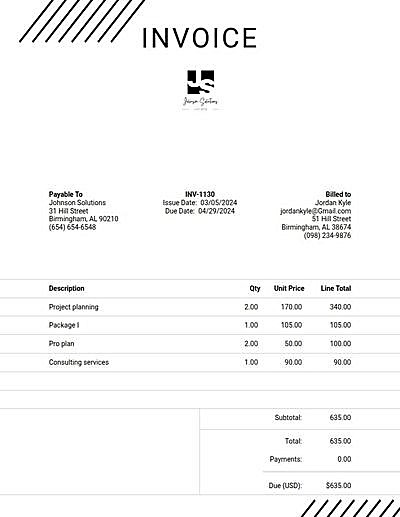
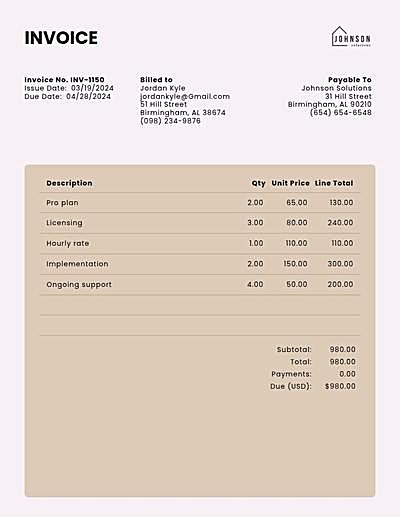
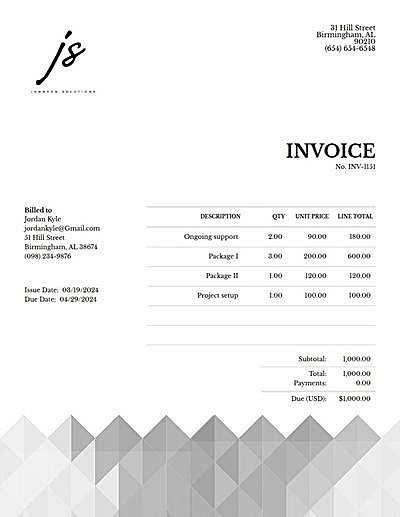
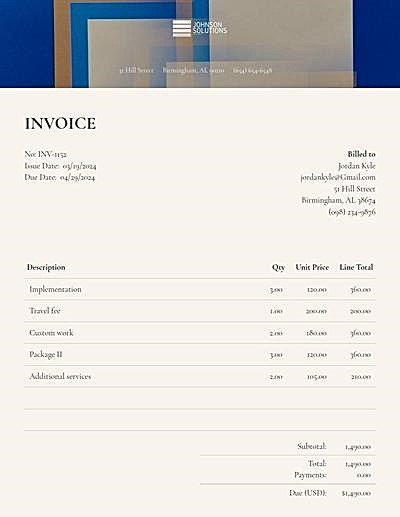
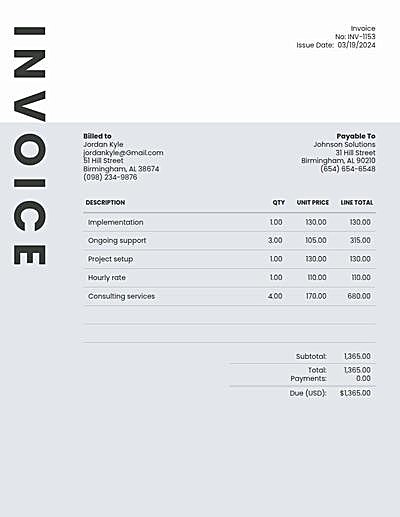
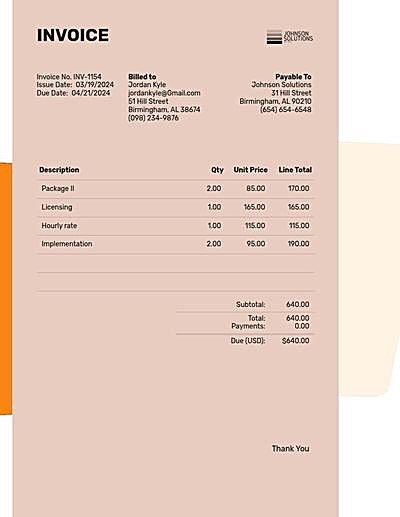
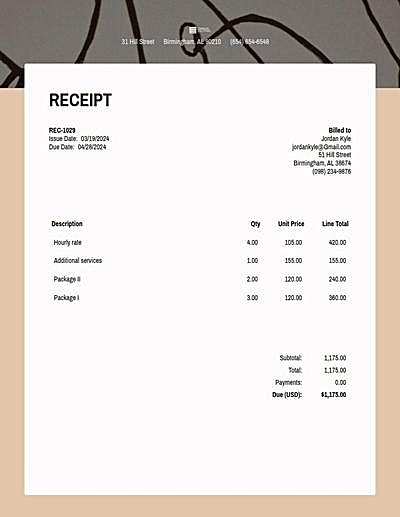
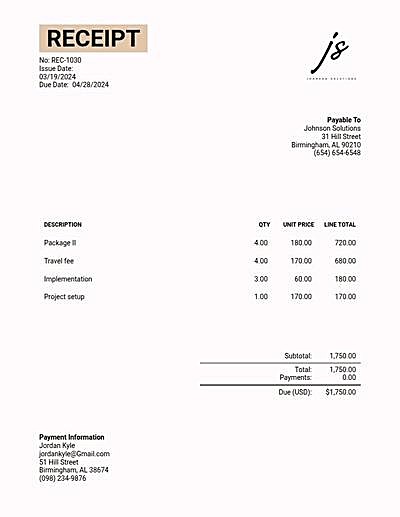
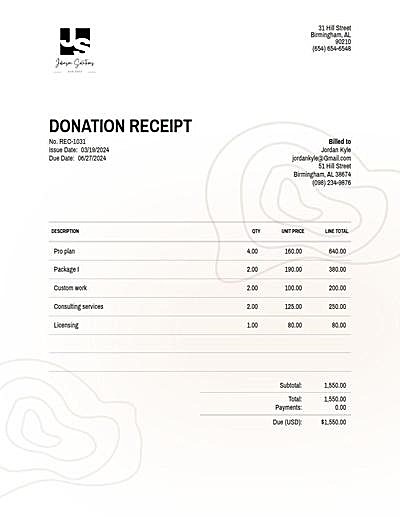
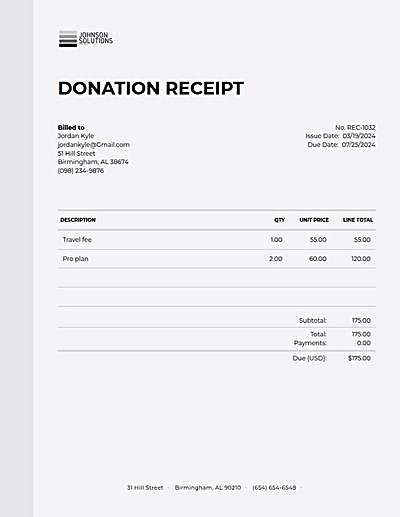
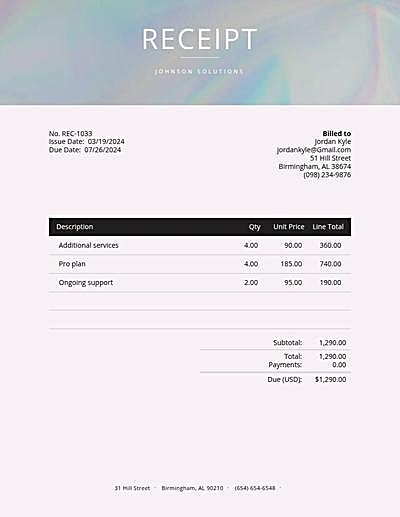
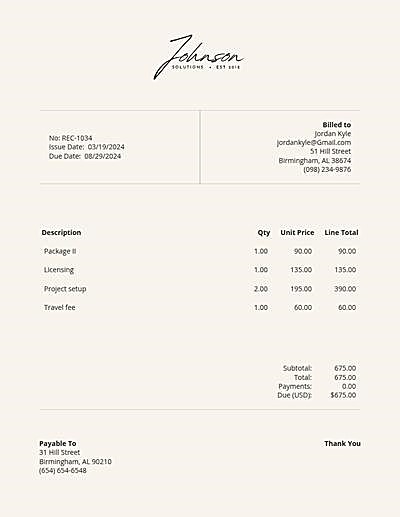
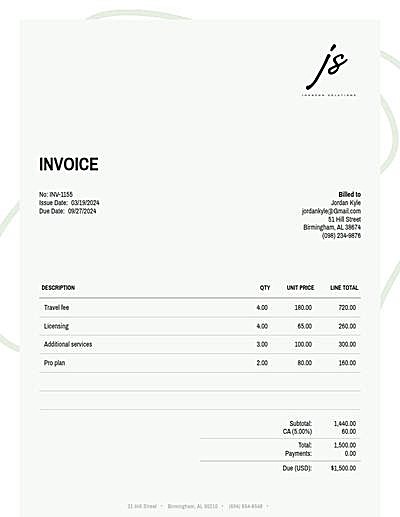
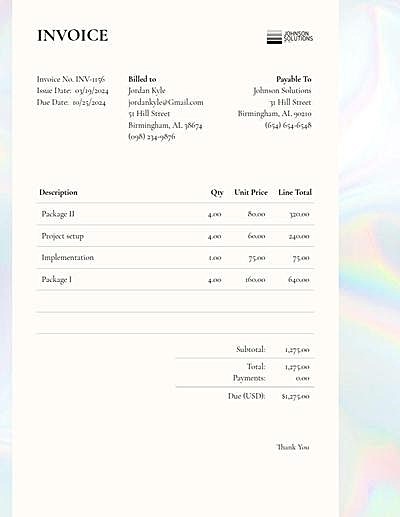
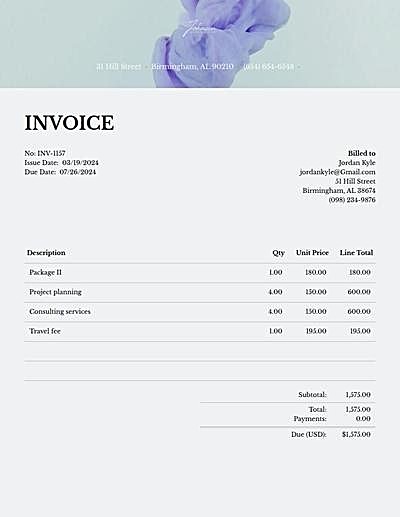
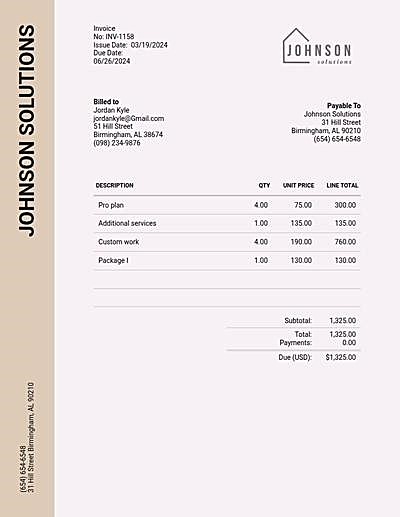
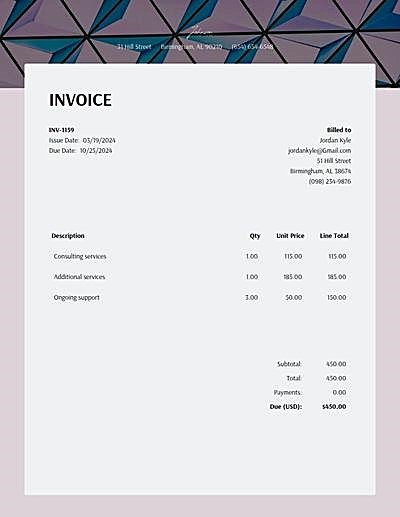
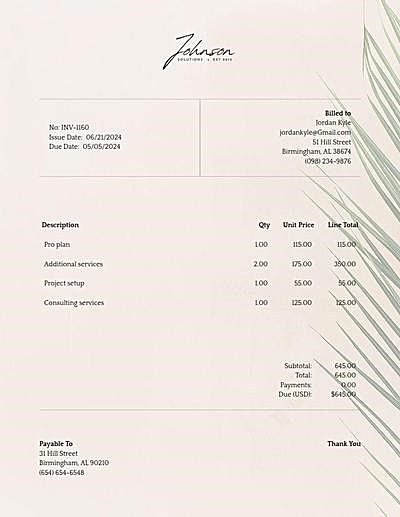
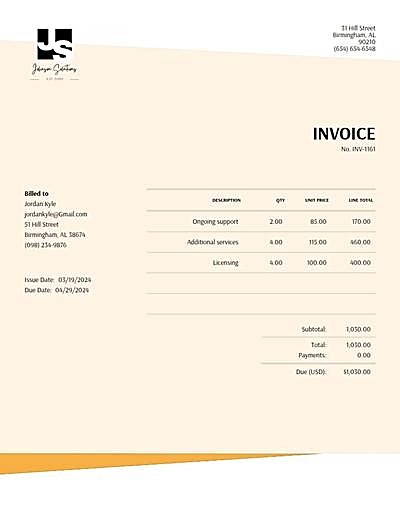
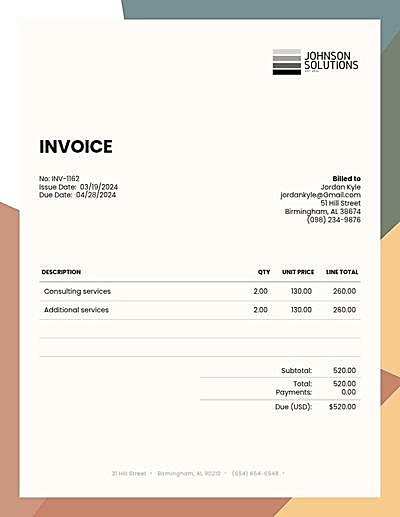
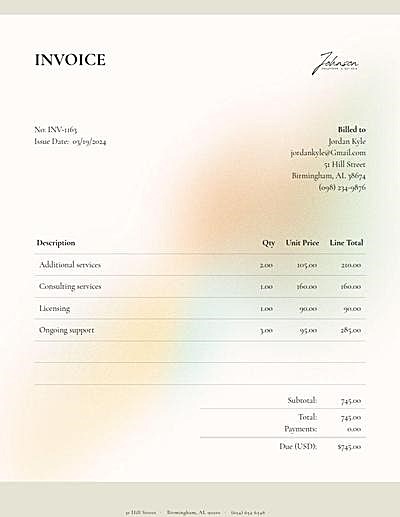
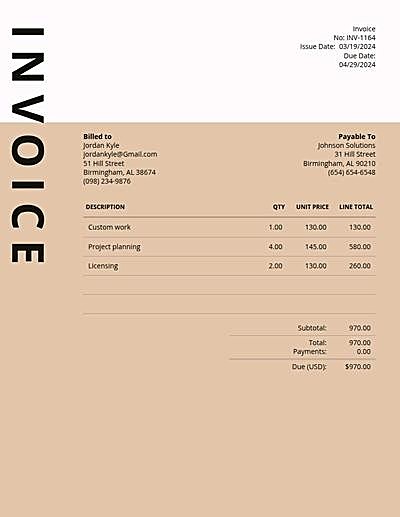
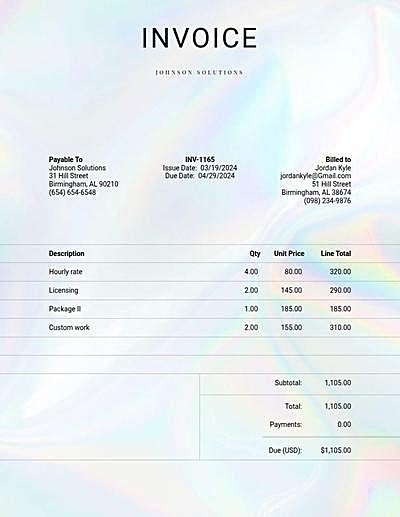
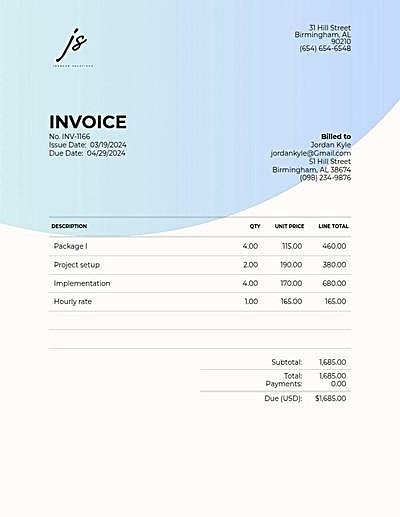
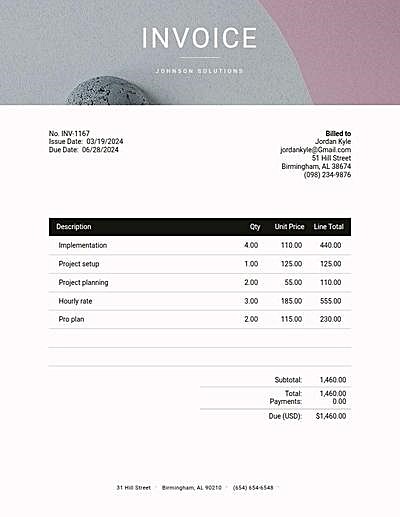
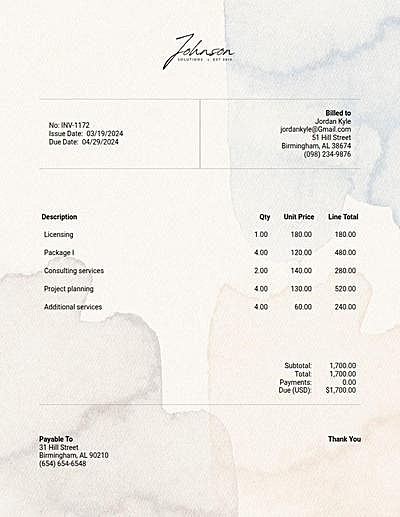
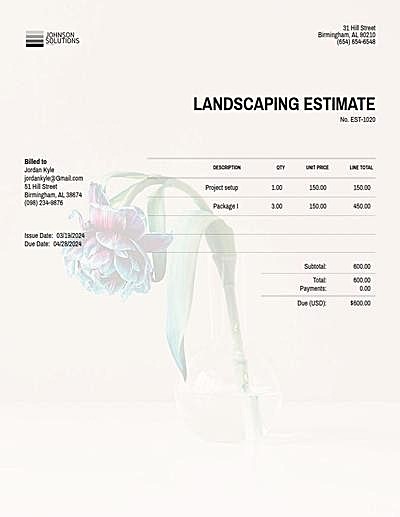
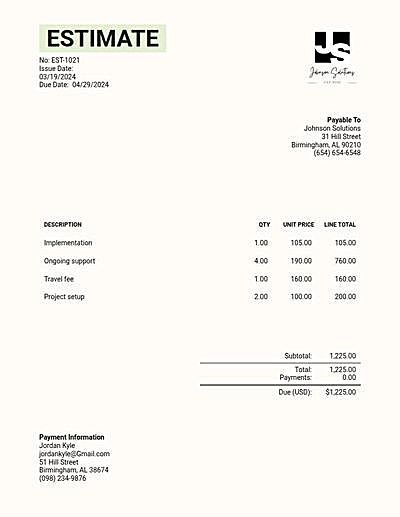
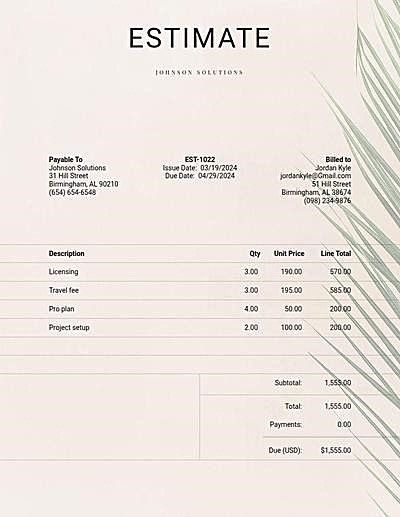
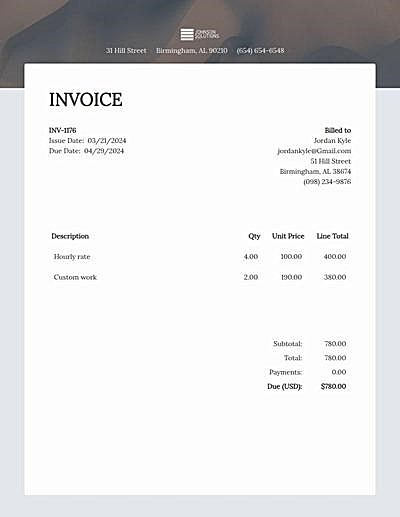
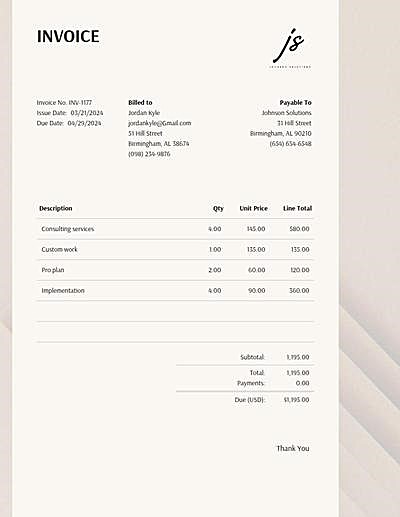
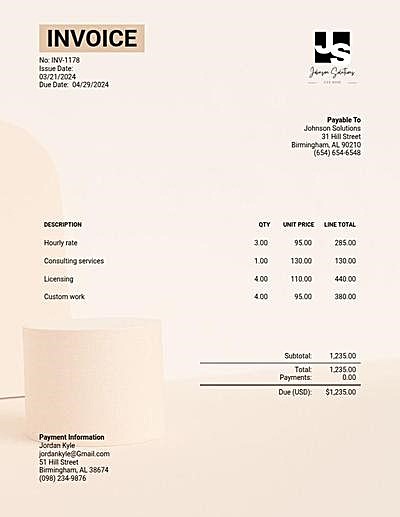
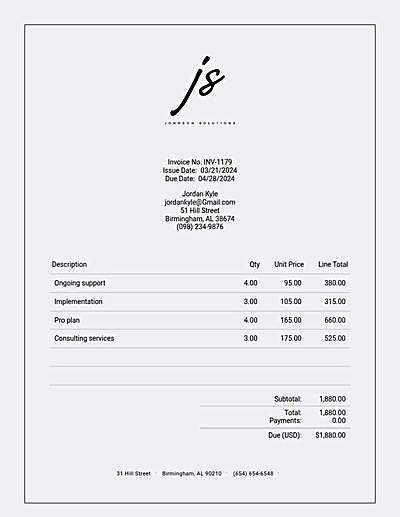
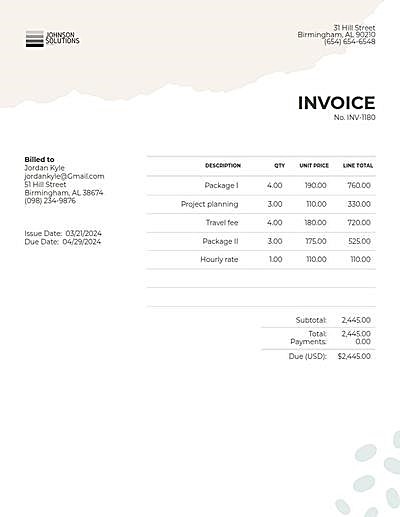
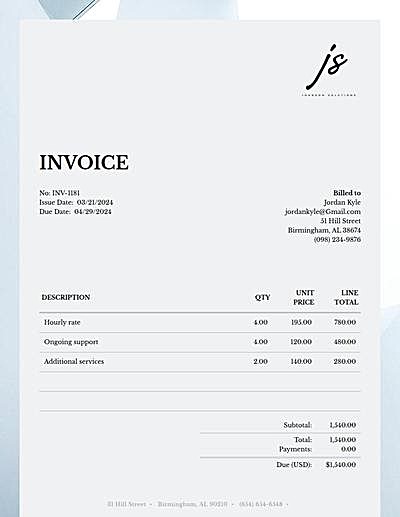
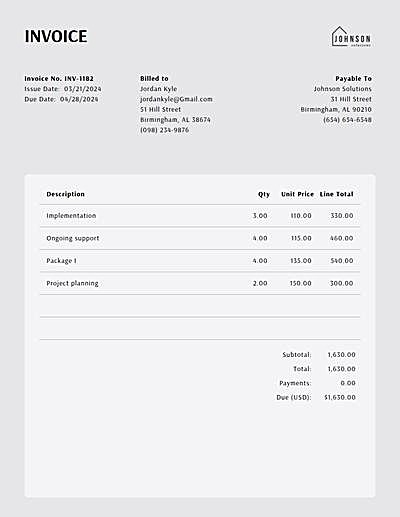
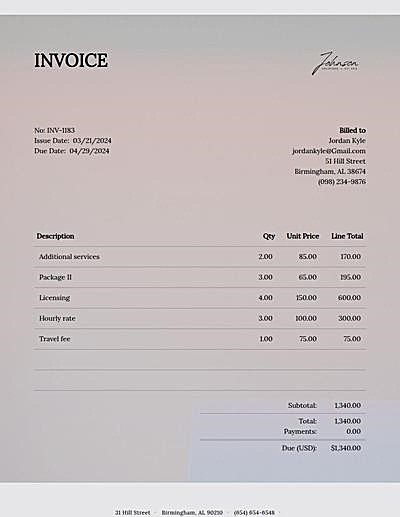
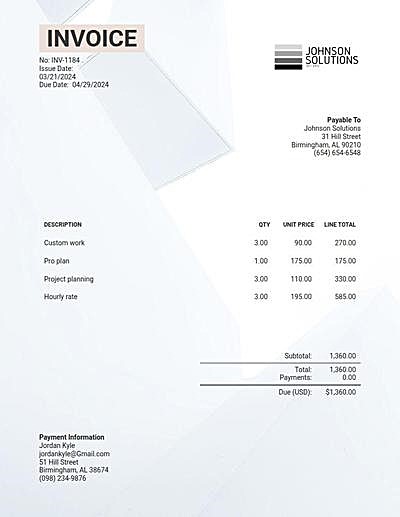
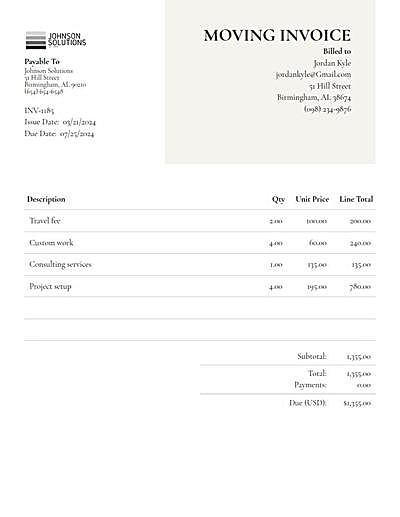
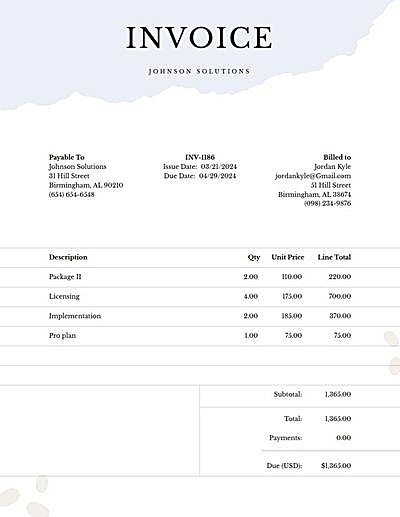
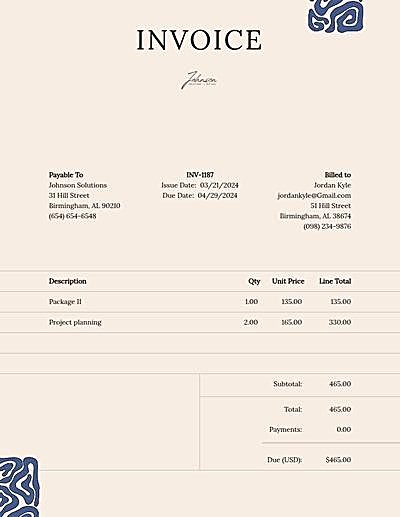
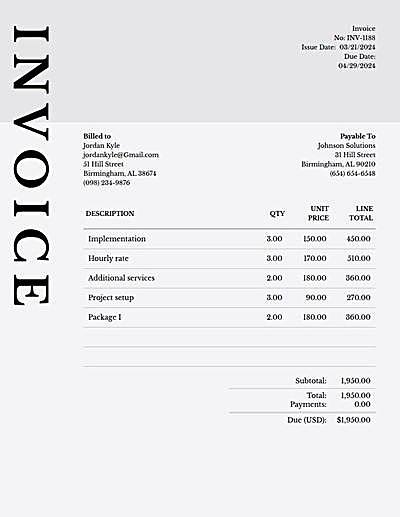
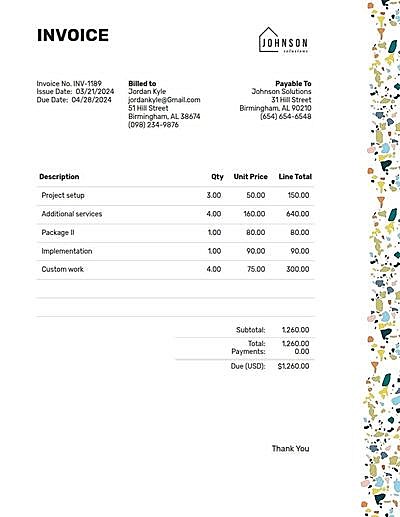
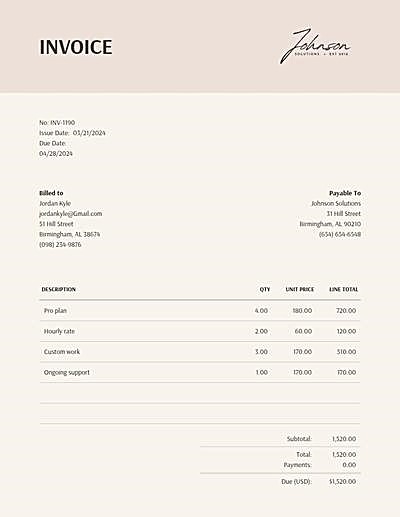
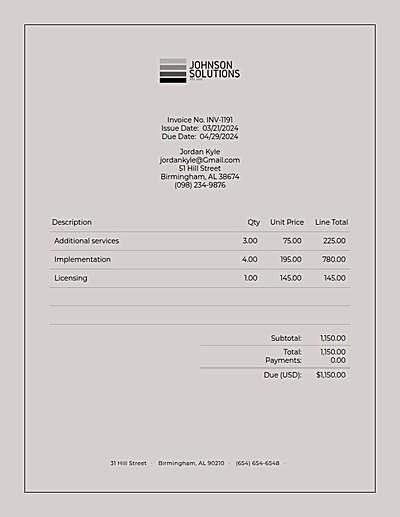
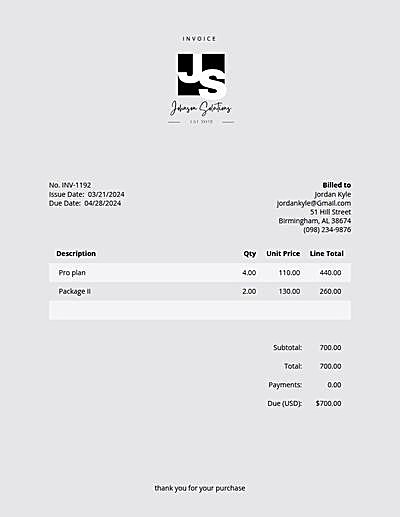
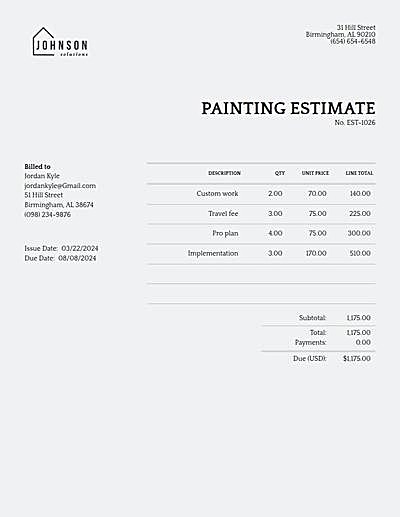
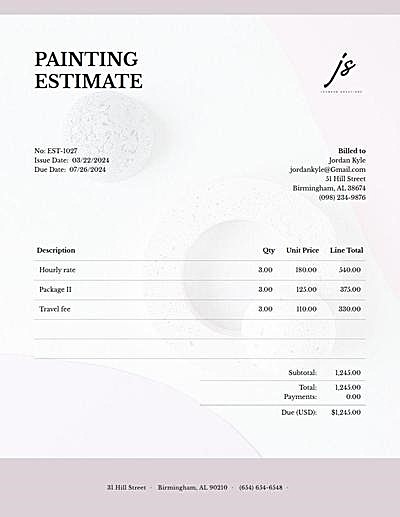
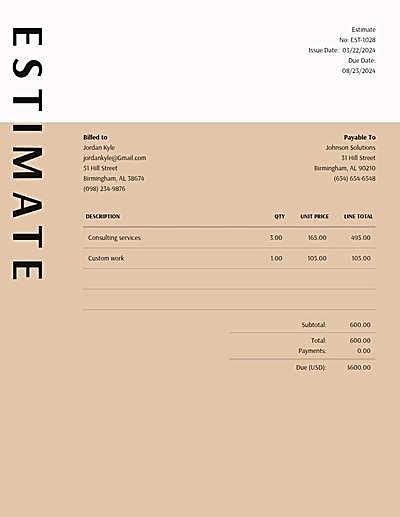
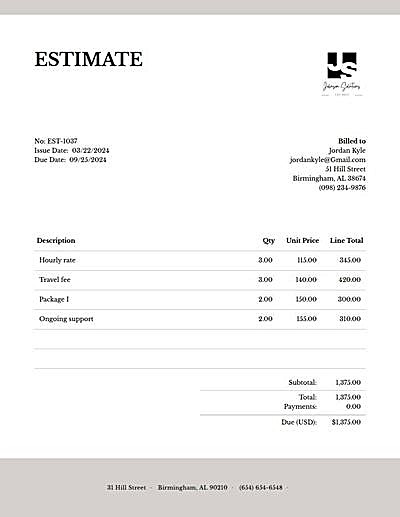
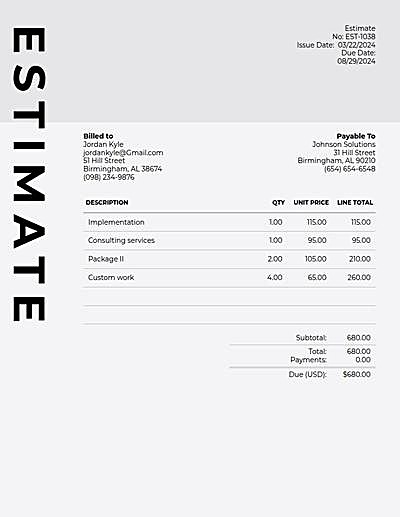
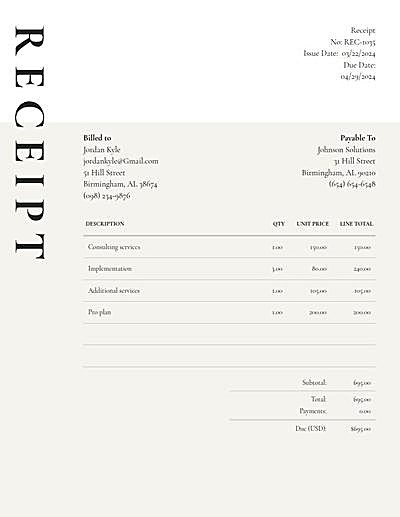
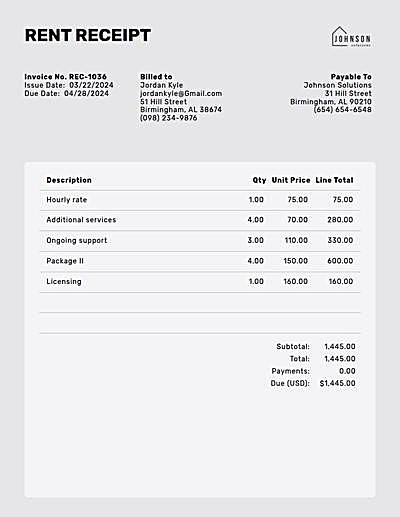
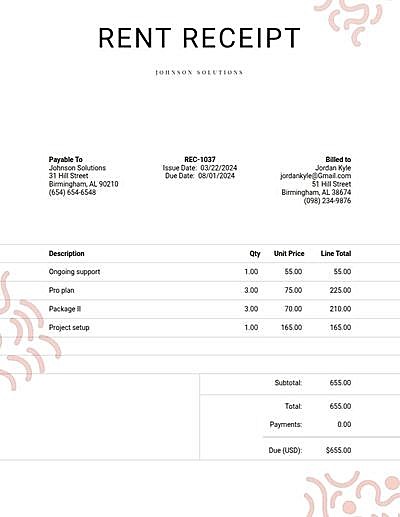
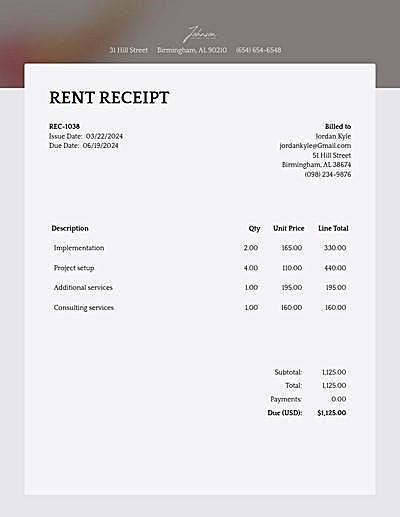
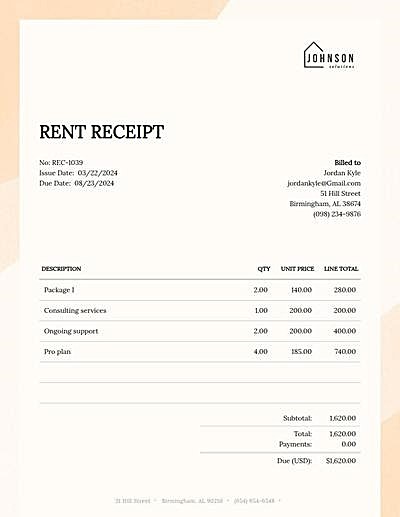
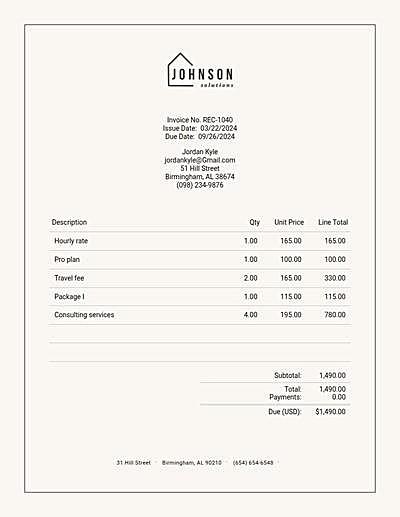
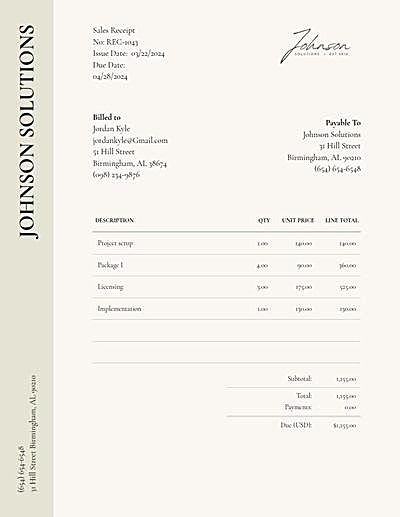
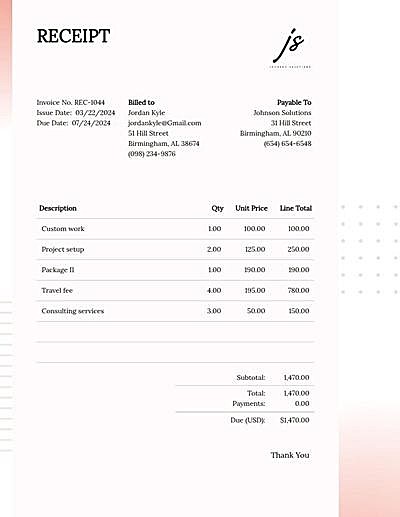
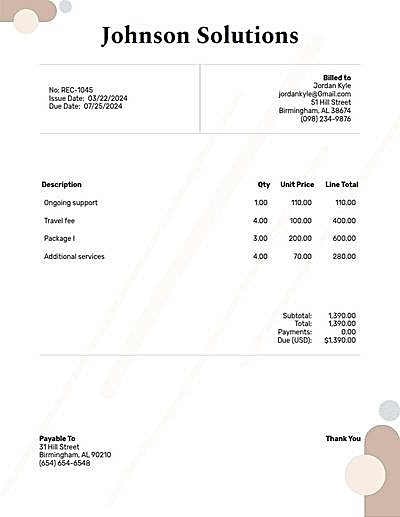
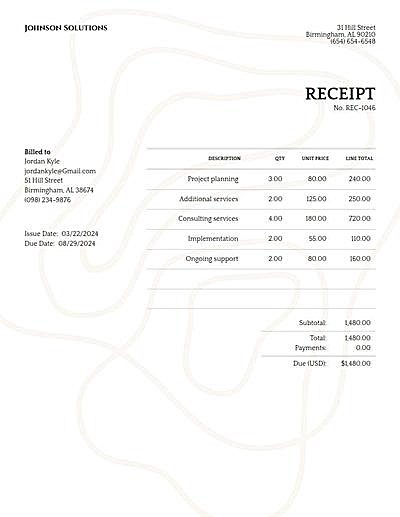
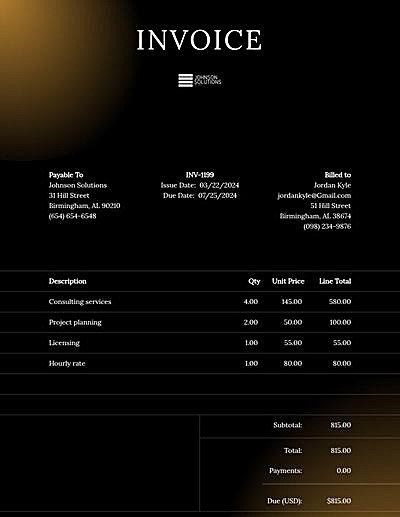
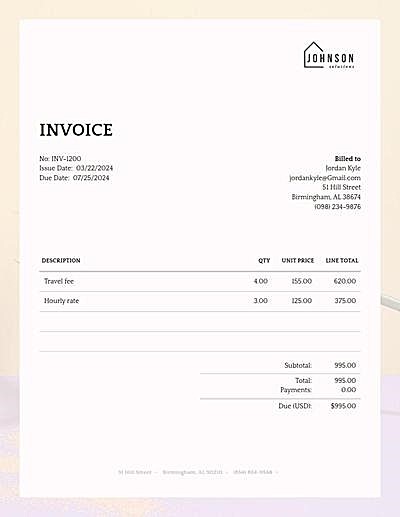
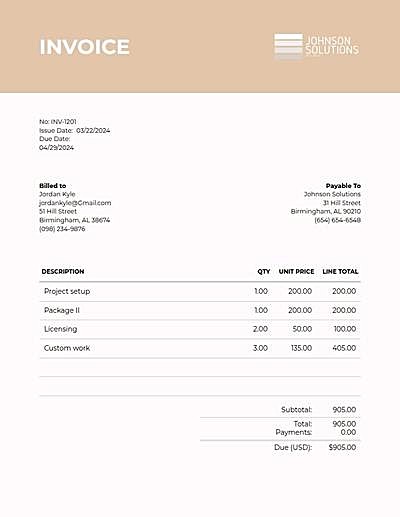
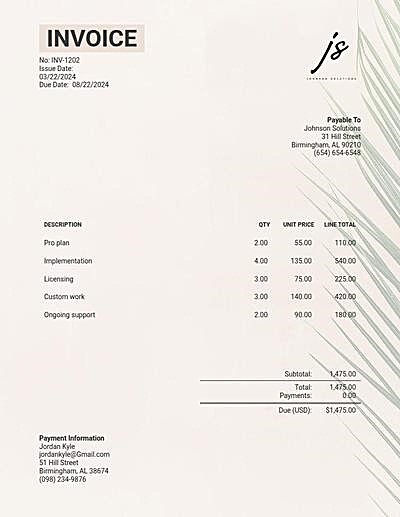
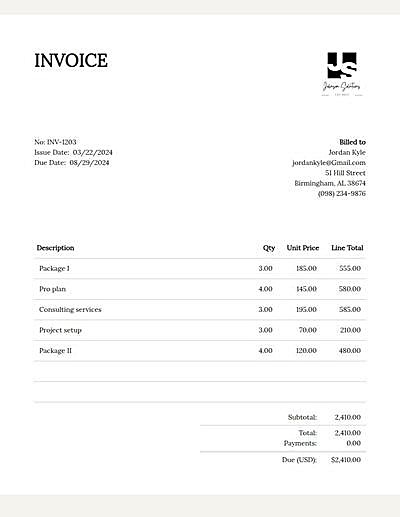
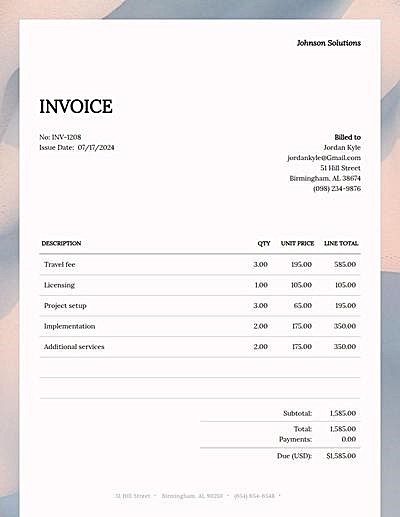
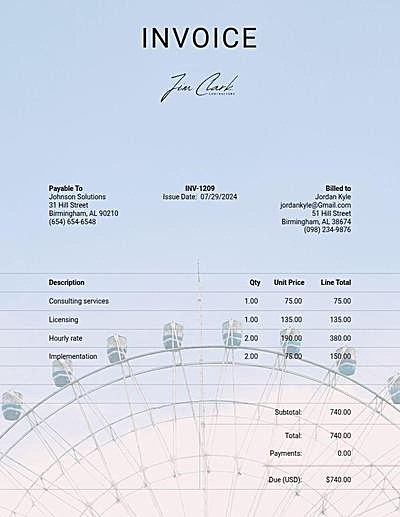
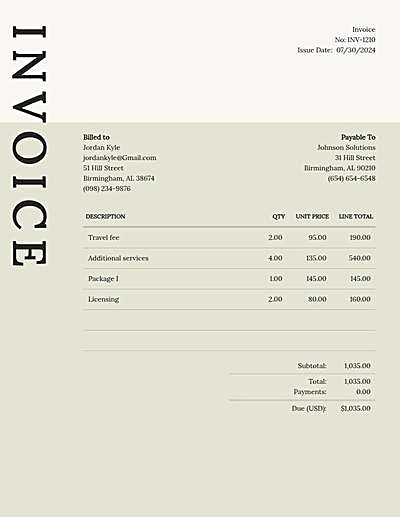
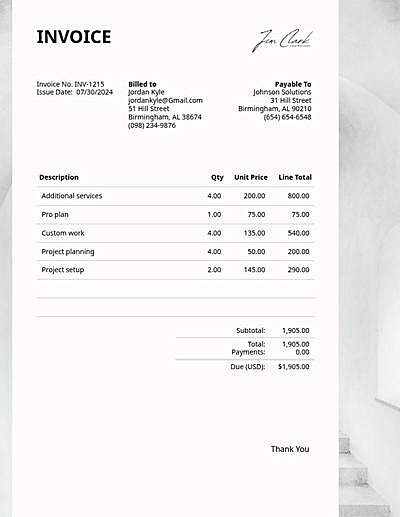
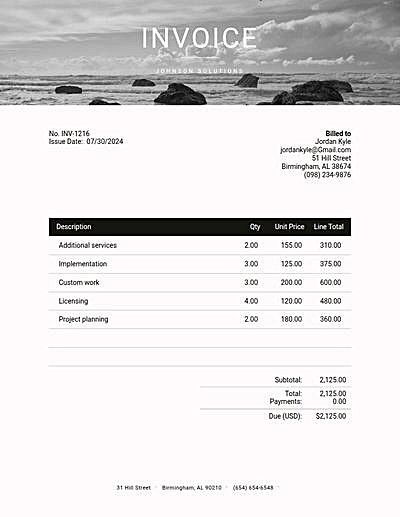
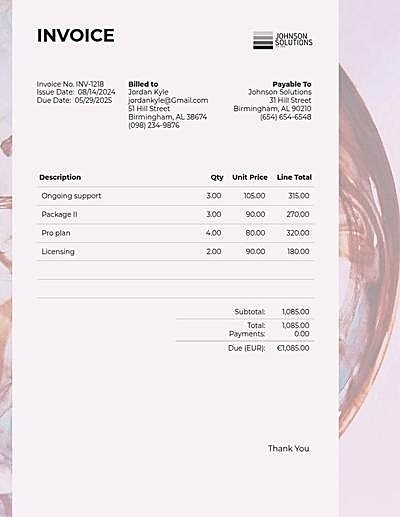
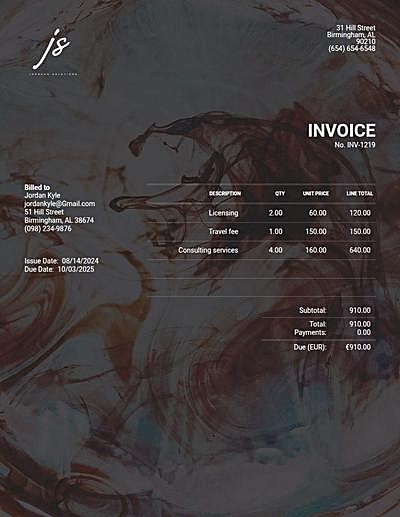
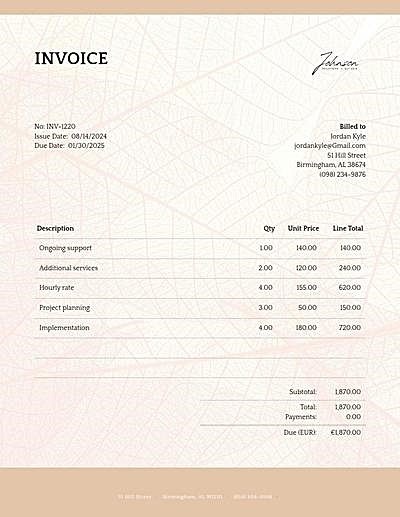
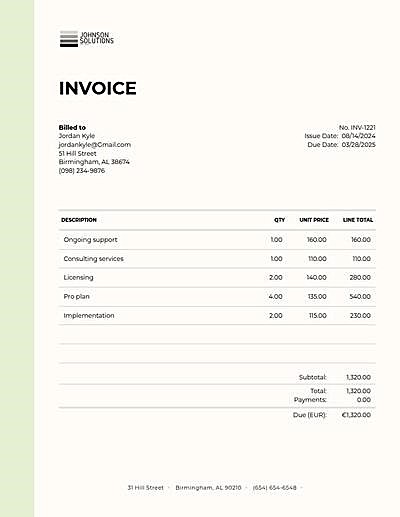
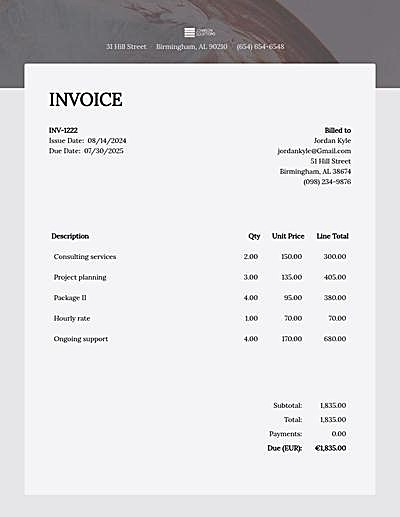
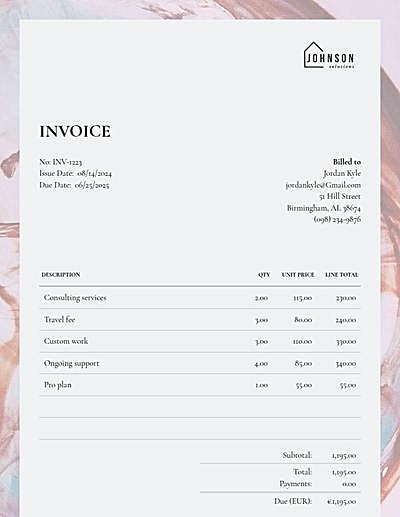
On the Design tab, pick a template, upload your logo and choose a font pairing.
-
Download or send
Download a free PDF, or send it by email with a free account to see when it's opened and get paid online.
Frequently asked questions
Is this invoice generator free?
Yes. Making an invoice and downloading the PDF costs nothing.
Do I need an account?
No. You can fill in an invoice and download the PDF without signing up. A free account lets you email invoices to your clients, get paid by card online and keep every invoice and client in one place. No credit card required.
Is my invoice saved?
Yes, automatically, in this browser: come back on the same device and it's still here. To keep a history of your invoices, create a free account.
How do taxes work?
Open a line's Tax box and pick a rate, or create one with a name and a percentage. A line can have up to two taxes, and each tax is totaled under the subtotal.
Which currencies can I use?
Pick one from the Currency menu under the dates. The amounts, the currency symbol and its code on the PDF follow your choice.
How do my clients pay me?
Add your Venmo, Cash App, Zelle or PayPal under How you get paid and they print on the invoice under How to pay. With a free account, clients can also pay you by card online through Stripe or PayPal.
Invoice Templates